
- Strong fit for governed team reporting workflows
- Useful AI assistance for everyday analytics questions
- Works well with established data ownership practices

Microsoft Power BI
Microsoft BI with Copilot analytics
SF9
SF Score editorial score across features, ease, and value, based on public reviews and product research. Learn more →
copilotself service BIbusiness intelligence
copilotself service BI
Best for
Microsoft teams needing affordable BI
Pricing
Free tier available
Free plan
Available
SoftFinders Score
9 / 10
Overview
What is Microsoft Power BI?
Microsoft Power BI is an AI analytics platform for organizations that need affordable dashboards, governed semantic models, and Microsoft ecosystem integration. It helps teams build reports, share metrics, and connect analytics with Excel, Teams, and Fabric. Its main strength is enterprise BI at a low entry cost. The tool works best when buyers already use Microsoft 365 and can manage licensing choices carefully across finance, operations, and sales teams daily.
Power BI is strongest for companies that want self-service reporting without leaving the Microsoft stack. Copilot and Fabric improve AI-assisted authoring, but advanced features depend on capacity and licensing decisions. Complex DAX models can become hard to maintain without skilled owners. Smaller teams get strong value, while larger deployments should plan workspace governance, refresh strategy, and cost controls early. It rewards teams that document models before adoption expands company-wide safely.
KEY FEATURES
What you get out of the box
AI Insights
Surfaces useful patterns from connected business data
Dashboard Builder
Creates shared dashboards for recurring metric reviews
Data Governance
Controls access, definitions, and trusted reporting workflows
Embedded Analytics
Adds analytics inside portals and customer applications
Collaboration Tools
Lets teams discuss metrics and share context
Connector Library
Connects common databases, warehouses, and SaaS sources
USE CASES
Where teams put it to work
Build governed executive performance dashboards
Explore data without constant analyst requests
Monitor revenue and operational metric changes
Share insights across business stakeholder teams
Support embedded analytics for customer portals
Improve reporting governance and metric trust
Editorial Take
What we like, and what to verify
- Setup takes time when data models are messy
- Advanced features need administrator or analyst support
- Pricing may challenge smaller growing teams at scale
Screenshots
A look inside
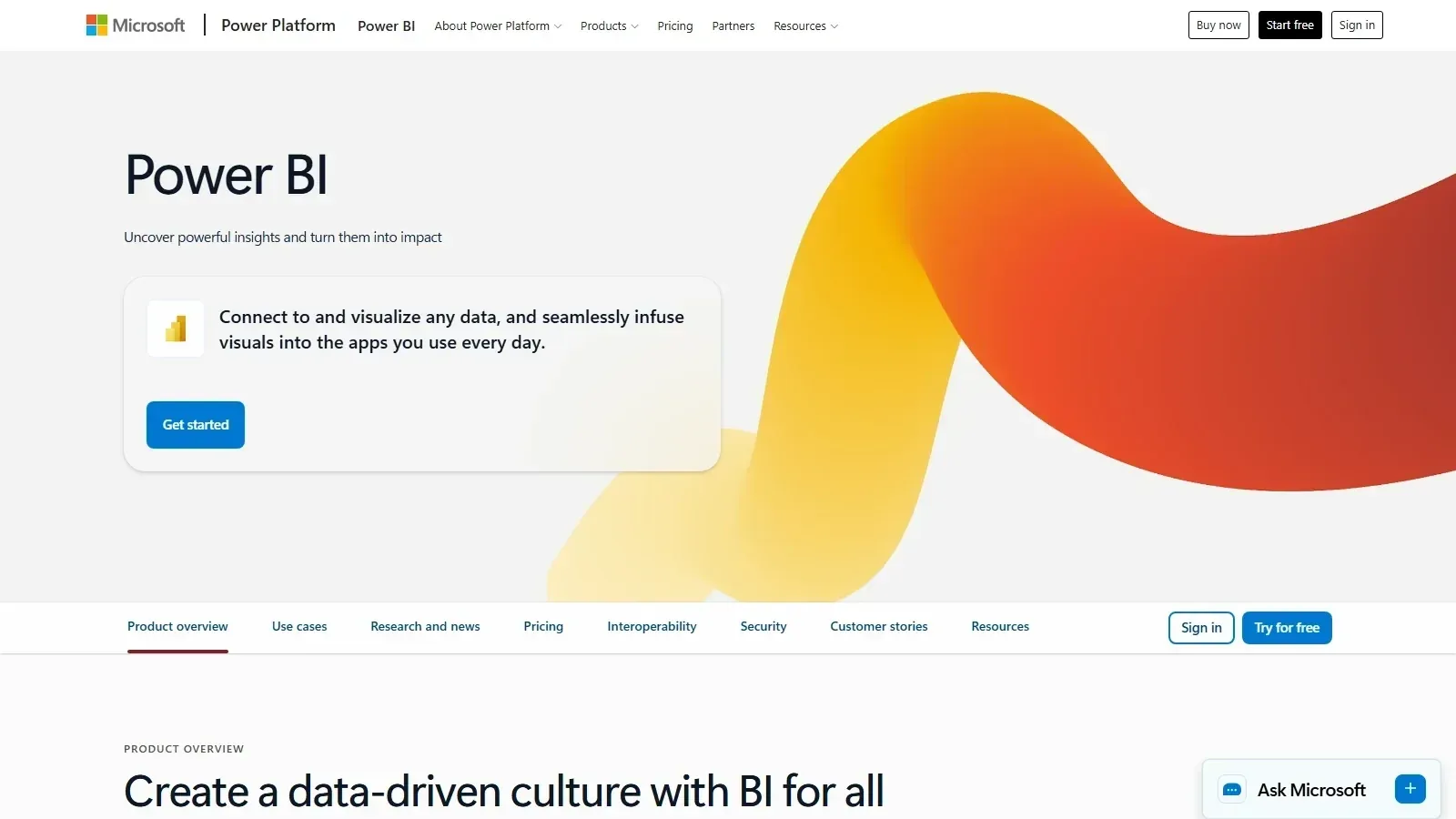 Microsoft Power BI homepage screenshot
Alternatives
Tools to consider next

Tableau SF 8.7
Why consider it
Visual analytics for governed dashboard teams

Qlik Sense SF 8.6
Why consider it
Associative analytics for connected data

Looker SF 8.4
Why consider it
Governed BI with LookML modeling

ThoughtSpot SF 8.8
Why consider it
Search analytics for business users

Sisense SF 8.5
Why consider it
Embedded analytics for SaaS products

Domo SF 8.4
Why consider it
Cloud BI for executive dashboards
USER REVIEWS
Microsoft Power BI Reviews
Published user reviews are moderated and kept separate from the SoftFinders Score.
No published reviews yet.
Reviews from real users will appear here once published.
Used Microsoft Power BI?
Share your experience with other buyers.
FAQ