
- Free tier covers many common analytics needs
- BigQuery export enables deeper SQL analysis later
- Google Ads integration helps marketing attribution workflows
- Measures website and app activity together
- Raw event exports support independent analysis

Google Analytics 4
Event analytics for websites and apps
SF8.61
SF Score editorial score across features, ease, and value, based on public reviews and product research. Learn more →
Track website and app customer behaviorpredictive audiencescustomer analytics
Track website and app customer behaviorpredictive audiences
Best for
Marketing teams tracking web and app behavior
Pricing
Free tier available
Free plan
Available
SoftFinders Score
8.61 / 10
Overview
What is Google Analytics 4?
Google Analytics 4 (GA4) measures how people interact with websites and mobile apps using an event-based data model, combining acquisition, engagement, ecommerce, audience, attribution, and cross-platform reporting within a property.
- Measurement role: GA4 records interactions such as page views, clicks, purchases, and app activity as events. Web, iOS, and Android data streams can feed the same property, allowing teams to analyze behavior across sessions and platforms rather than organizing measurement primarily around pageviews.
- AI and prediction: eligible properties can use machine-learning metrics including purchase probability, churn probability, and predicted revenue. These metrics can support predictive audiences and user-lifetime analysis, although availability depends on sufficient qualifying event data and model quality.
- Implementation checks: teams should assess event and ecommerce tracking design, Consent Mode configuration, data retention, attribution settings, reporting identity, and whether raw event export to BigQuery is required for deeper analysis or long-term data use.
- Commercial considerations: standard GA4 is available without a software license fee, while Google Analytics 360 is the paid enterprise tier. 360 increases limits for areas including audiences, event parameters, custom dimensions and metrics, API usage, Explorations, data retention, and daily BigQuery export.
GA4 is most useful when its measurement design is implemented carefully; incomplete ecommerce events, poor consent configuration, or inconsistent event structures can reduce the reliability of otherwise detailed acquisition and behavioral reporting.
KEY FEATURES
What you get out of the box
Event Tracking
Measure flexible website and app interactions
Predictive Audiences
Create segments from churn and purchase signals
BigQuery Export
Send raw event data for SQL
Attribution Reports
Compare conversion paths and campaign impact
Ads Integration
Connect audiences and conversions to Google Ads
Exploration Reports
Build funnels, paths, and cohort views
Cross-Channel Attribution Reports
Assigns key-event credit across marketing touchpoints
Consent Mode Support
Adjusts Google tag behavior to consent signals
USE CASES
Where teams put it to work
Track website and app customer behavior
Build predictive audiences for campaigns
Export raw events into BigQuery
Measure marketing attribution across channels
Create funnel reports for conversions
Connect analytics data to Google Ads
Measure purchases across websites and mobile apps
Attribute key events to marketing channels
Combine exported events with business datasets
Editorial Take
What we like, and what to verify
- Interface confuses many Universal Analytics users initially
- Event setup requires careful naming discipline early
- Product analytics depth trails specialist platforms clearly
- Predictive features require qualifying data volumes
- Standard event retention limited to 14 months
- Standard daily BigQuery exports capped at 1M events
- Privacy thresholds can hide detailed report data
- Custom event tracking requires careful setup and validation
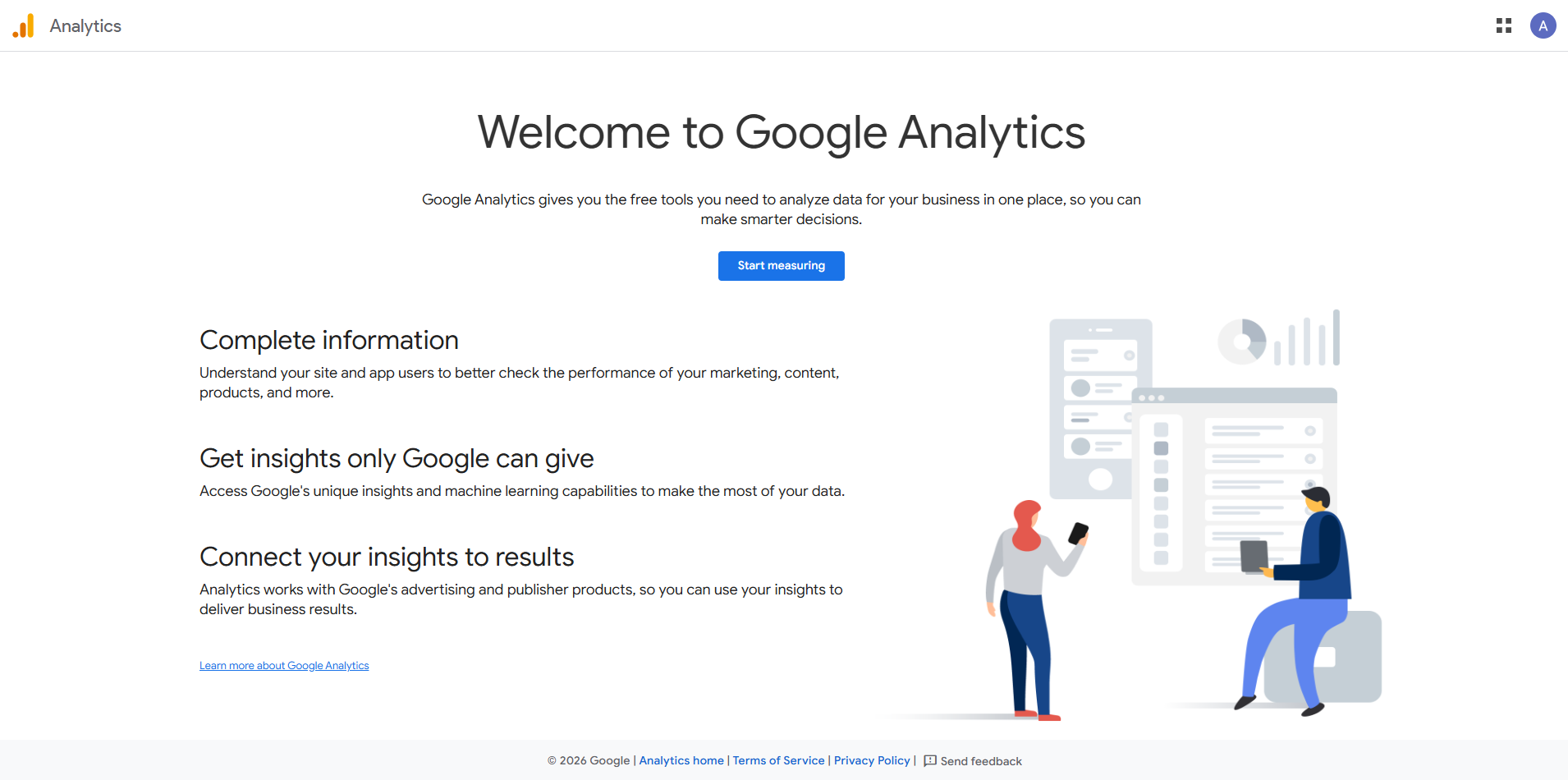
Screenshots
A look inside
Alternatives
Tools to consider next

Adobe Analytics SF 8.32
Why consider it
Enterprise digital analytics for marketing teams

Mixpanel SF 8.7
Why consider it
Product analytics for funnels and retention

Amplitude SF 8.63
Why consider it
Enterprise product analytics for digital teams

SAS Viya SF 8.3
Why consider it
Statistical AI platform for regulated teams

Azure Machine Learning SF 8.64
Why consider it
Managed ML for Azure enterprise teams

Domino Data Lab SF 8.31
Why consider it
Regulated MLOps for enterprise data science
USER REVIEWS
Google Analytics 4 Reviews
Published user reviews are moderated and kept separate from the SoftFinders Score.
No published reviews yet.
Reviews from real users will appear here once published.
Used Google Analytics 4?
Share your experience with other buyers.
FAQ