
- Voice-first design suits clinician hands-free use
- Specialty templates with practical clinician tuning
- Works across major EHR environments

Suki AI
Voice-driven AI scribe and EHR assistant
SF8.4
SF Score editorial score across features, ease, and value, based on public reviews and product research. Learn more →
Document multilingual patient encounters
Document multilingual patient encounters
Best for
Specialty practices wanting voice-first scribing
Pricing
Custom
Free plan
Check vendor
SoftFinders Score
8.4 / 10
Overview
What is Suki AI?
Suki AI is a voice-driven ambient AI medical scribe for specialty practices, combining documentation, dictation, clinical questions, and EHR workflows.
- Clinical role: It supports ambient capture and structured note drafting rather than autonomous documentation, with clinician review required before sign-off.
- Workflow fit: Voice control, specialty templates, and EHR integration suit practices seeking hands-free scribing within existing clinical workflows.
- Implementation checks: Buyers should assess specialty fit, EHR integration depth, documentation accuracy, voice training, workflow tuning, and clinician onboarding before scaling.
- Commercial model: Pricing is sales-led and scoped per buyer rather than published, so confirm scope, integration planning, and review requirements before adoption.
Its suitability depends on voice performance, specialty configuration, EHR fit, and consistent clinical review in practice.
KEY FEATURES
What you get out of the box
Voice Commands
Voice control for hands-free chart actions
Visit Summaries
Summarizes encounters for after-visit patient handouts
Custom Macros
Custom phrase macros and shortcuts per clinician
Multi Language
Multi-language transcription for diverse patient panels
Patient Sharing
Optional patient-facing visit summary sharing
Ambient Capture
Captures clinician-patient conversations in the background
USE CASES
Where teams put it to work
Document multilingual patient encounters
Generate patient-friendly visit summaries
Draft visit notes from conversations
Reduce documentation burden after hours
Support specialty documentation needs
Pair ambient capture with EHR records
Editorial Take
What we like, and what to verify
- Workflow tuning takes effort per specialty
- Best results require consistent voice training
- Public reviews thinner than category leaders
Screenshots
A look inside
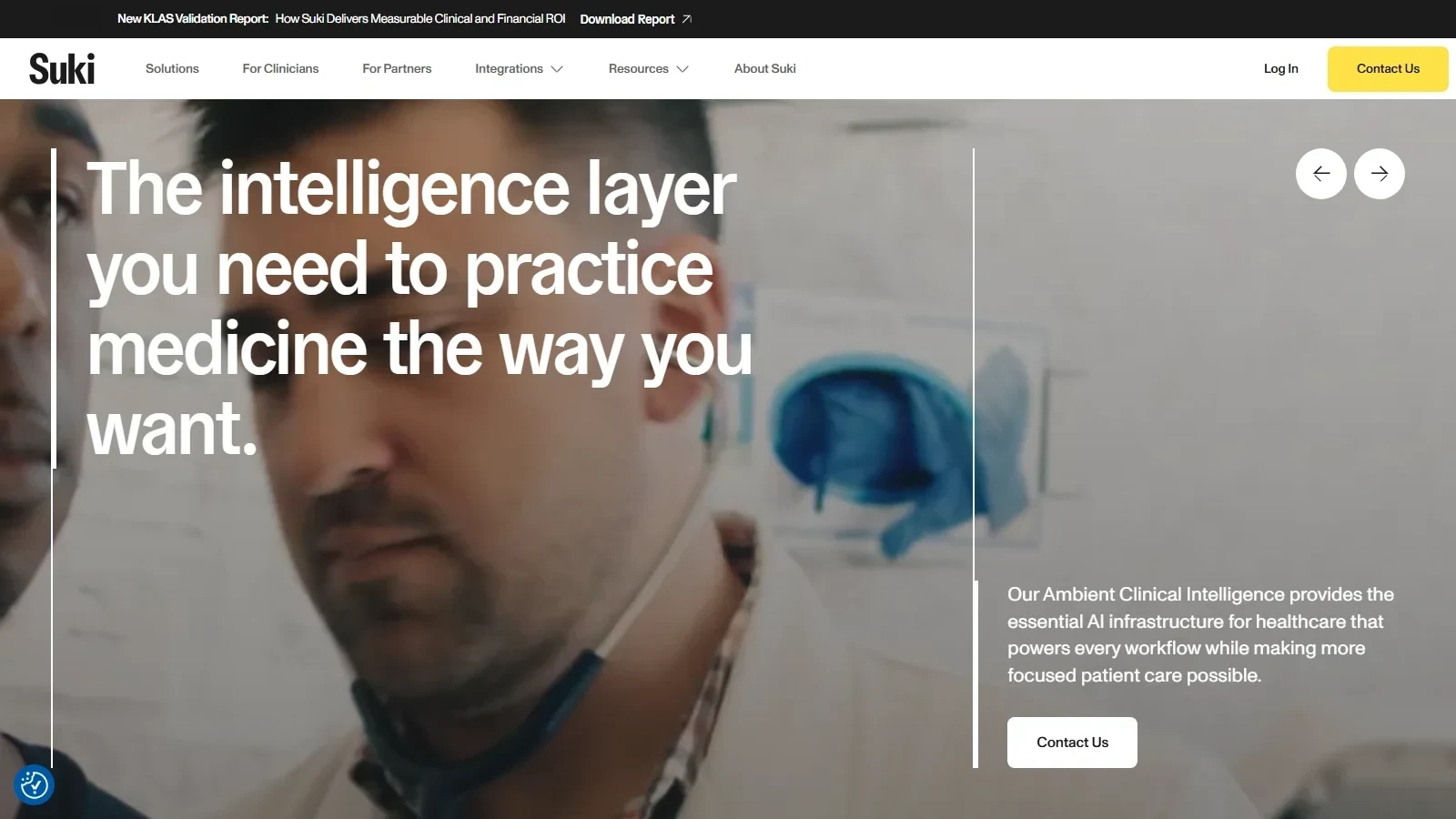 Suki AI homepage screenshot
Alternatives
Tools to consider next

Abridge SF 8.78
Why consider it
Generative AI scribe for health systems

Nuance DAX Copilot SF 8.7
Why consider it
Microsoft and Nuance enterprise ambient scribe
Nabla Copilot SF 8.4
Why consider it
Ambient AI scribe for independent clinicians

DeepScribe SF 8.48
Why consider it
Specialty-focused ambient scribe with coding hints

Heidi Health SF 8.18
Why consider it
Lightweight AI scribe for solo clinicians

Augmedix SF 7.98
Why consider it
Hybrid AI plus human scribe service
USER REVIEWS
Suki AI Reviews
Published user reviews are moderated and kept separate from the SoftFinders Score.
No published reviews yet.
Reviews from real users will appear here once published.
Used Suki AI?
Share your experience with other buyers.
FAQ