
- No account required for free tools
- Files stay on user device
- Free tools add no watermark
- Works across phones, tablets, computers
- Twenty-one OCR languages supported
- One-time Pro credits avoid subscriptions
- Users retain rights to files

LensUp
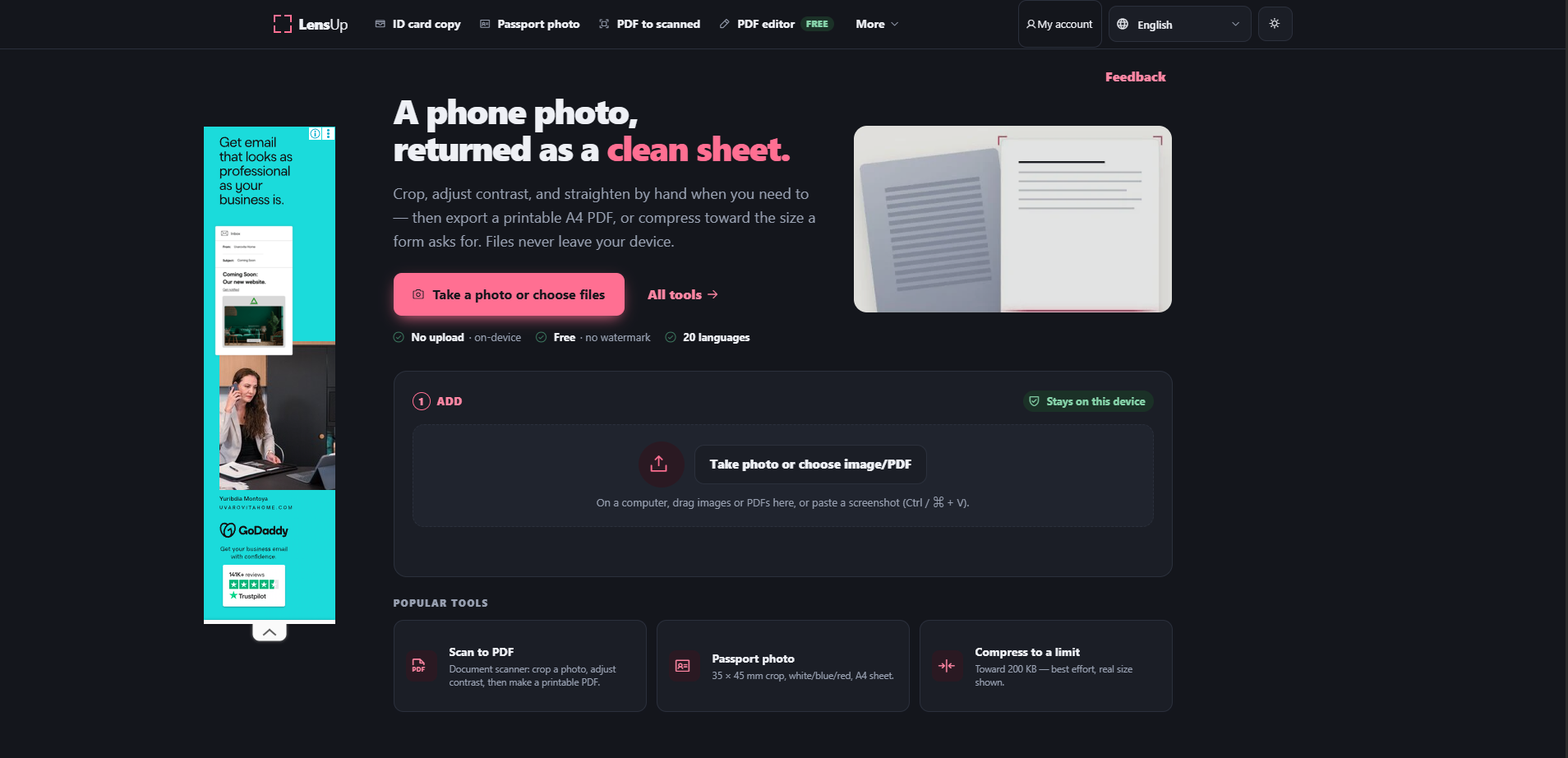
A phone photo, returned as a clean sheet.
SF8.97
SF Score editorial score across features, ease, and value, based on public reviews and product research. Learn more →
Turn phone photos into scanned PDFs
Turn phone photos into scanned PDFs
Pricing
Free
Free plan
Available
SoftFinders Score
8.97 / 10
Overview
What is LensUp?
LensUp is a browser-based document toolkit for scanning, cleaning, converting, compressing, and editing files without installing desktop software. It can turn phone photos into scanned PDFs, correct perspective, remove shadows, compress documents toward specific file-size limits, create passport photos, prepare ID card sheets, and extract printed text with OCR. LensUp also includes PDF editing and image conversion tools, with most free processing performed locally on the user’s device. Optional Pro processing supports enhanced recognition for more complex content such as formulas and tables.
KEY FEATURES
What you get out of the box
Browser-local document scanning
Converts photos and PDFs without server uploads
Perspective correction tools
Straightens skewed pages using draggable corner controls
Document cleanup filters
Applies whitening, de-shadowing, grayscale, and scan effects
Target-size compression
Compresses toward custom upload size limits
ID card sheet layout
Places both sides at true physical size
Passport photo maker
Creates dimensioned portraits with selectable backgrounds
Local OCR conversion
Extracts printed text into Markdown locally
Browser-based PDF editing
Adds text, images, signatures, shapes, and marks
USE CASES
Where teams put it to work
Turn phone photos into scanned PDFs
Prepare documents for strict upload limits
Create printable front-and-back ID copies
Prepare passport photos at required dimensions
Extract printed text into Markdown
Add signatures and text to PDFs
Reduce shadows from photographed documents
Convert images to JPG locally
Combine multiple images into one PDF
Editorial Take
What we like, and what to verify
- Compression targets are best effort
- Local OCR does not support handwriting
- Passport backgrounds are best effort
- Pro processing uploads selected pages
- Pro access requires verified account
- Free work can disappear on close
- Scanned PDFs lose selectable text
- Existing PDF text remains unchanged
Screenshots
A look inside
USER REVIEWS
LensUp Reviews
Published user reviews are moderated and kept separate from the SoftFinders Score.
No published reviews yet.
Reviews from real users will appear here once published.
Used LensUp?
Share your experience with other buyers.
FAQ