
- Combines spreadsheet familiarity with real programming power
- AI assistant speeds formulas and code generation
- Database connections support more serious analytical workflows

Quadratic
AI spreadsheet with Python and SQL
SF8.5
SF Score editorial score across features, ease, and value, based on public reviews and product research. Learn more →
Combine spreadsheets with Python workflowsAI spreadsheetPython cells
Combine spreadsheets with Python workflowsAI spreadsheet
Best for
Analysts mixing spreadsheets with code
Pricing
From $18/mo
Free plan
Available
SoftFinders Score
8.5 / 10
Overview
What is Quadratic?
Quadratic is an AI-enabled spreadsheet that combines familiar cells and formulas with Python, SQL, JavaScript, database connections, and collaborative analysis, giving technical and nontechnical users one workspace for exploring, modeling, and presenting data.
- Analysis workflow: users can mix spreadsheet formulas with Python or JavaScript code, return code outputs directly to cells, create charts with libraries such as Plotly and Chart.js, and query live database connections with SQL without leaving the spreadsheet.
- AI assistance: Quadratic AI can build analyses from natural-language instructions, generate or repair Python, JavaScript, formulas, and SQL, create charts, and use spreadsheet or database-schema context when producing results. Generated code remains visible and editable so users can inspect how an analysis was performed.
- Implementation checks: teams should assess database connections and credentials, sharing permissions, collaboration requirements, AI usage and model controls, and whether Quadratic Cloud or self-hosting better fits their security needs. Quadratic is source-available rather than fully open source, and business use of the self-hosted software requires an appropriate commercial license.
- Commercial considerations: Personal is free; Pro costs $18 per user per month billed annually, and Business costs $36 per user per month billed annually. Enterprise uses custom pricing and includes SSO, custom AI usage, and dedicated support. Self-hosting is not exclusive to Enterprise: individuals can self-host free, while Business and Enterprise self-hosting is licensed per user.
Quadratic is particularly relevant to teams that want spreadsheet accessibility without separating advanced coding, live database analysis, and AI-assisted exploration into different tools.
KEY FEATURES
What you get out of the box
AI Cells
Generates formulas, code, and explanations quickly
Python Support
Runs Python directly inside spreadsheet cells
SQL Queries
Connects databases and queries live data
Collaborative Grid
Supports shared analysis in real time
Large Data
Handles bigger datasets than classic spreadsheets
Model Access
Offers multiple AI models by plan
USE CASES
Where teams put it to work
Combine spreadsheets with Python workflows
Query databases from spreadsheet cells
Clean messy operational datasets quickly
Prototype models before formal BI rollout
Collaborate on technical spreadsheet analysis
Explore large datasets beyond Excel
Editorial Take
What we like, and what to verify
- Traditional spreadsheet users may need adjustment time
- Governance features are still maturing for enterprises
- Advanced value depends on Python or SQL comfort
Screenshots
A look inside
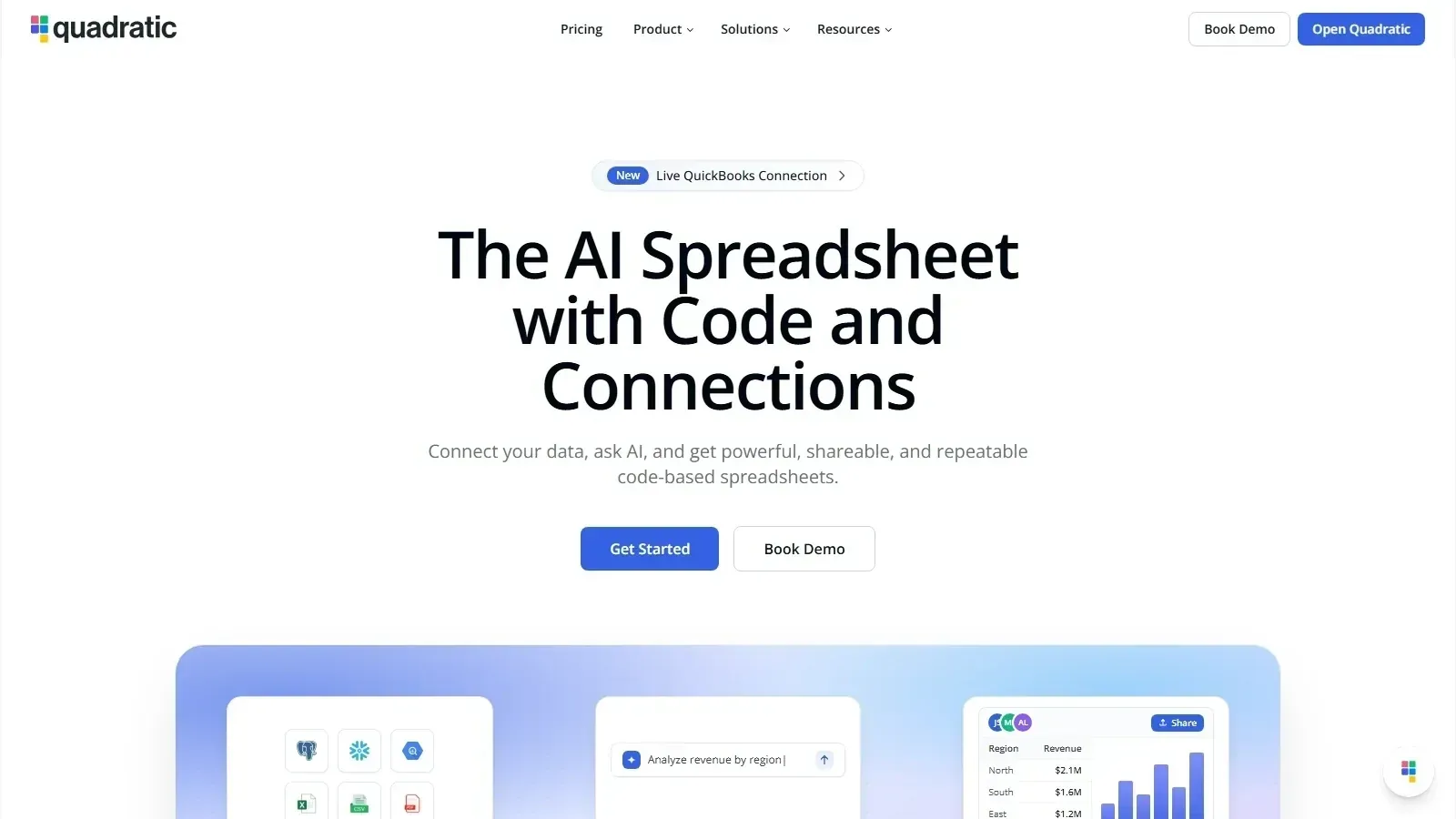 Quadratic homepage screenshot


Alternatives
Tools to consider next

USER REVIEWS
Quadratic Reviews
Published user reviews are moderated and kept separate from the SoftFinders Score.
No published reviews yet.
Reviews from real users will appear here once published.
Used Quadratic?
Share your experience with other buyers.
FAQ