
- Established workspace platform with deep feature depth
- Connected workspace across notes databases and projects today
- Free starting tier across new individual users today

Notion
Productivity workspace with notes and AI
SF8.9
SF Score editorial score across features, ease, and value, based on public reviews and product research. Learn more →
Build connected workspace across teamstemplatesremote teams
Build connected workspace across teamstemplates
Best for
Remote teams and operations knowledge workers
Pricing
From $10/mo
Free plan
Available
SoftFinders Score
8.9 / 10
Overview
What is Notion?
Notion is a connected workspace that combines documents, databases, wikis, project management, and knowledge management tools in a customizable environment. It allows individuals and teams to create structured pages, organize information, manage workflows, collaborate, and build internal systems using flexible blocks, databases, templates, and integrations.
- Knowledge management: Notion lets teams create company wikis, documentation hubs, meeting notes, and shared knowledge bases where information can be linked through pages, databases, properties, and search.
- Project and workflow management: users can build task trackers, roadmaps, goal systems, product plans, and operational workflows using databases with views such as tables, boards, calendars, timelines, and custom dashboards.
- AI capabilities: Notion AI can search across workspace content, answer questions using connected information, summarize documents, generate and edit content, extract action items, and assist with writing and knowledge discovery. Notion also provides AI-powered features for automating certain workspace tasks.
- Collaboration and integrations: teams can edit pages together, comment, share information, manage permissions, connect external tools, and create centralized workspaces that combine documentation with everyday operations.
Notion is best suited to individuals, startups, and organizations that want a flexible workspace where notes, documentation, databases, and team workflows can be built together instead of relying on separate tools for each function.
KEY FEATURES
What you get out of the box
Connected Workspace
Connected workspace across notes databases and projects
Notion AI
Notion AI features across the workspace today
Databases Tables
Database tables across the workspace project tracking
Template Gallery
Template gallery across the workspace setup workflow
Wiki Pages
Wiki pages across the team knowledge workspace
Free Tier
Free starting plan across new individual users
USE CASES
Where teams put it to work
Build connected workspace across teams
Use Notion AI across workspace
Manage projects across database tables
Use templates across workspace setup
Build wiki pages across teams
Start free with Notion today
Editorial Take
What we like, and what to verify
- AI features layered as Notion AI add on
- Steep learning curve relative to simpler note tools
- Pricing climbs as seats and AI features scale
Screenshots
A look inside
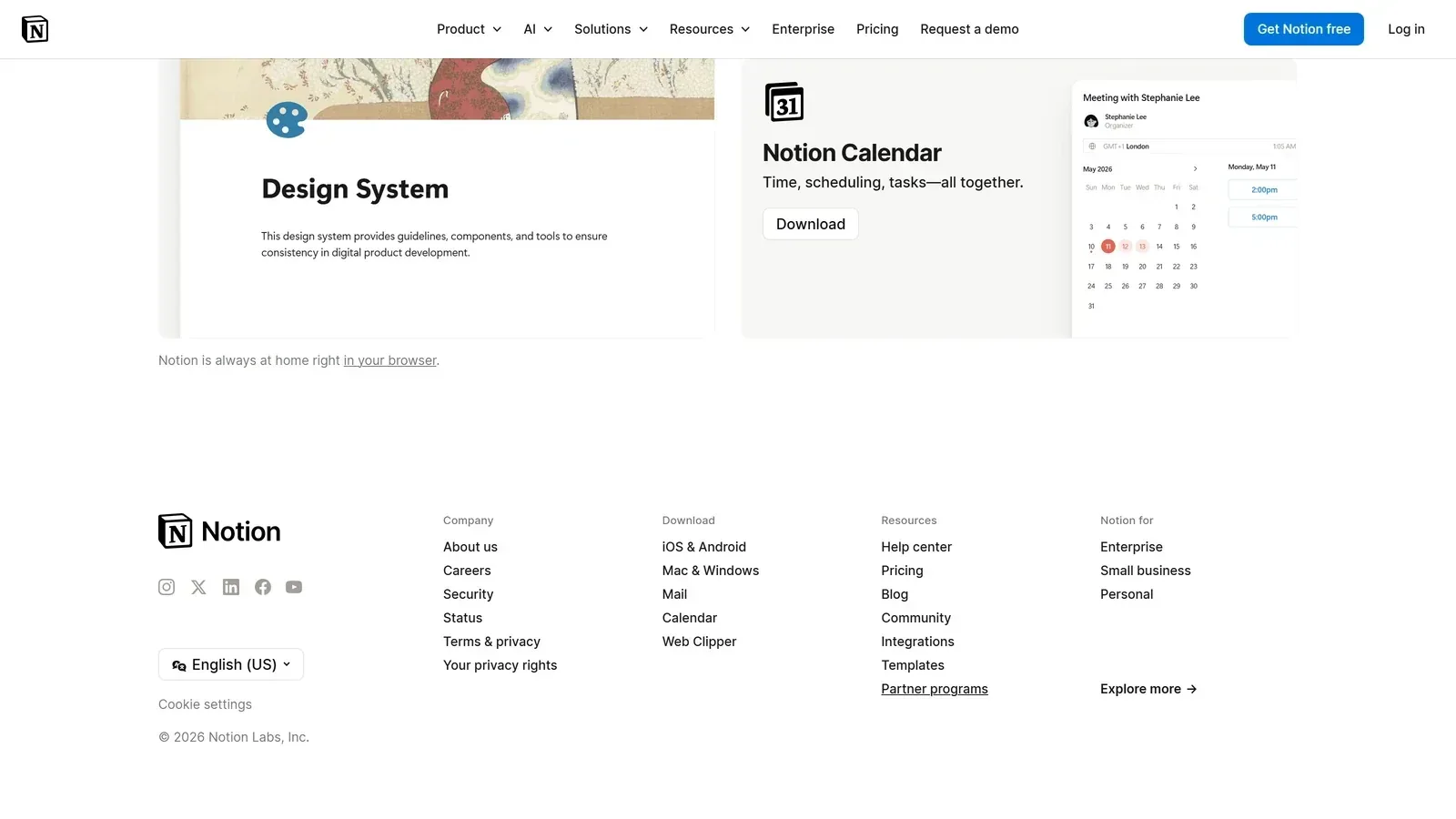 Notion homepage screenshot
Alternatives
Tools to consider next
Mem SF 7.8
Why consider it
AI heavy personal note taking platform
Tana SF 7.7
Why consider it
AI heavy outliner and structured notes

Reflect SF 7.8
Why consider it
AI heavy personal notes with encryption

NotebookLM SF 8.6
Why consider it
AI native research and notebook assistant

Fellow SF 8.24
Why consider it
AI meeting management platform with agendas

Granola SF 8.47
Why consider it
Bot free AI meeting note taker
USER REVIEWS
Notion Reviews
Published user reviews are moderated and kept separate from the SoftFinders Score.
No published reviews yet.
Reviews from real users will appear here once published.
Used Notion?
Share your experience with other buyers.
FAQ