
- Apache-2.0 licensed open-source project
- Git commits make edits easily reversible
- Repository maps conserve model context
- Built-in linting catches syntax errors

Aider
Aider edits repositories from the terminal
SF8.38
SF Score editorial score across features, ease, and value, based on public reviews and product research. Learn more →
Git workflowCLI agentopen source
Git workflowCLI agent
Best for
Terminal users editing repositories directly
Pricing
Free
Free plan
Available
SoftFinders Score
8.38 / 10
Overview
What is Aider?
Aider is an AI coding assistant that runs in the terminal and helps developers modify existing software projects by connecting large language models directly to local Git repositories. It is designed around repository-aware code editing, allowing developers to request changes, implement features, fix issues, and review modifications while keeping code changes inside their normal version-control workflow.
- Repository-based coding workflow: Aider builds a map of the codebase to provide models with relevant project context, allowing it to make coordinated edits across multiple files rather than generating isolated code snippets. It works with Git repositories by creating commits, showing diffs, and allowing developers to review or revert AI-generated changes.
- Model flexibility: developers can connect Aider to a wide range of AI models, including hosted models and local models, allowing teams to choose based on coding performance, privacy considerations, infrastructure requirements, and cost.
- Terminal-first development: Aider operates through the command line and is designed to fit into existing developer workflows rather than replacing an editor or integrated development environment. It can incorporate additional context such as images, documentation, URLs, and other project information when working through coding tasks.
- Implementation considerations: buyers should evaluate preferred AI providers, repository size and complexity, security policies, model costs, developer workflows, and whether a terminal-based AI coding assistant aligns with their engineering practices.
Its value depends on how much developers need AI assistance connected to real repositories, version control, and iterative software maintenance rather than standalone code generation or chat-based programming help.
KEY FEATURES
What you get out of the box
Repository map context
Maps key symbols across the codebase.
Automatic Git commits
Commits AI edits with descriptive messages.
Multi-model support
Connects cloud and local coding models.
Architect and editor modes
Separates solution planning from file editing.
Automated linting and testing
Checks edits and can repair failures.
Image and web context
Adds screenshots and webpages to coding chats.
IDE comment workflow
Responds to AI comments inside edited files.
Voice-to-code input
Accepts spoken requests for coding changes.
USE CASES
Where teams put it to work
Refactor changes across multiple source files
Implement features inside existing repositories
Diagnose and repair failing test suites
Review code without modifying project files
Prototype with local or cloud models
Build interfaces from screenshot references
Maintain Git-tracked AI coding sessions
Editorial Take
What we like, and what to verify
- Browser interface remains experimental
- Only one repository works per session
- Primary workflow remains terminal-first
- Most cloud models require API keys
- Weaker models can fail code edits
Screenshots
A look inside
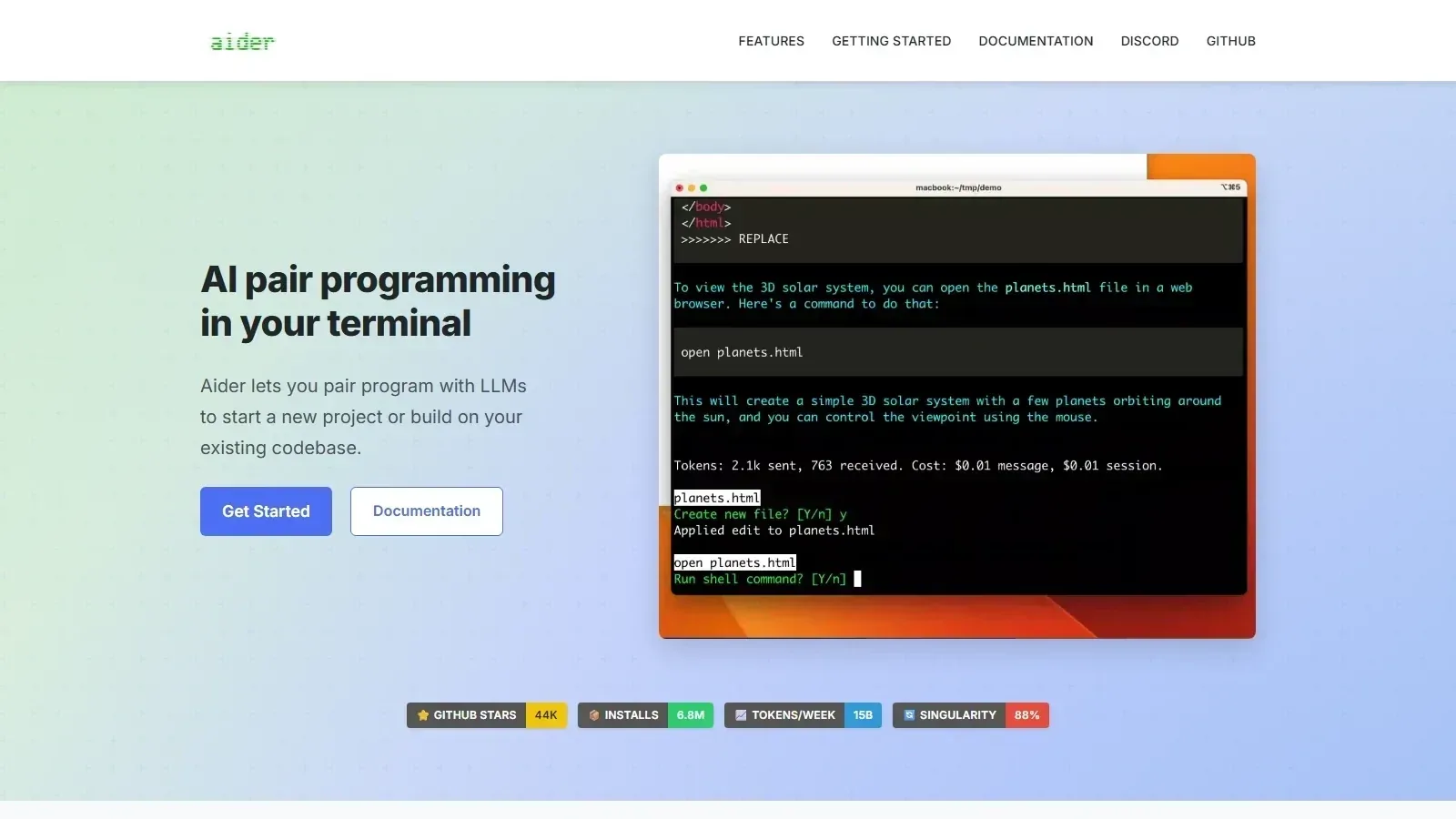 Aider homepage screenshot
Alternatives
Tools to consider next

Claude Code SF 8.58
Why consider it
Claude Code handles terminal coding tasks

OpenHands SF 8.1
Why consider it
OpenHands provides open coding agent infrastructure

Cline SF 8.46
Why consider it
Cline runs agentic coding inside editors

Continue SF 8.2
Why consider it
Continue runs source-controlled pull request checks
USER REVIEWS
Aider Reviews
Published user reviews are moderated and kept separate from the SoftFinders Score.
No published reviews yet.
Reviews from real users will appear here once published.
Used Aider?
Share your experience with other buyers.
FAQ