
- Open extension supports flexible agent workflows
- MCP support expands tool connectivity options
- Plan mode improves change review visibility
- Open source core remains free
- Bring your own API keys
- Checkpoints support workspace rollback

Cline
Cline runs agentic coding inside editors
SF8.46
SF Score editorial score across features, ease, and value, based on public reviews and product research. Learn more →
VSCode Agent Tasksopen sourceVSCode agent
VSCode Agent Tasksopen source
Best for
VSCode users running agentic workflows
Pricing
Free
Free plan
Available
SoftFinders Score
8.46 / 10
Overview
What is Cline?
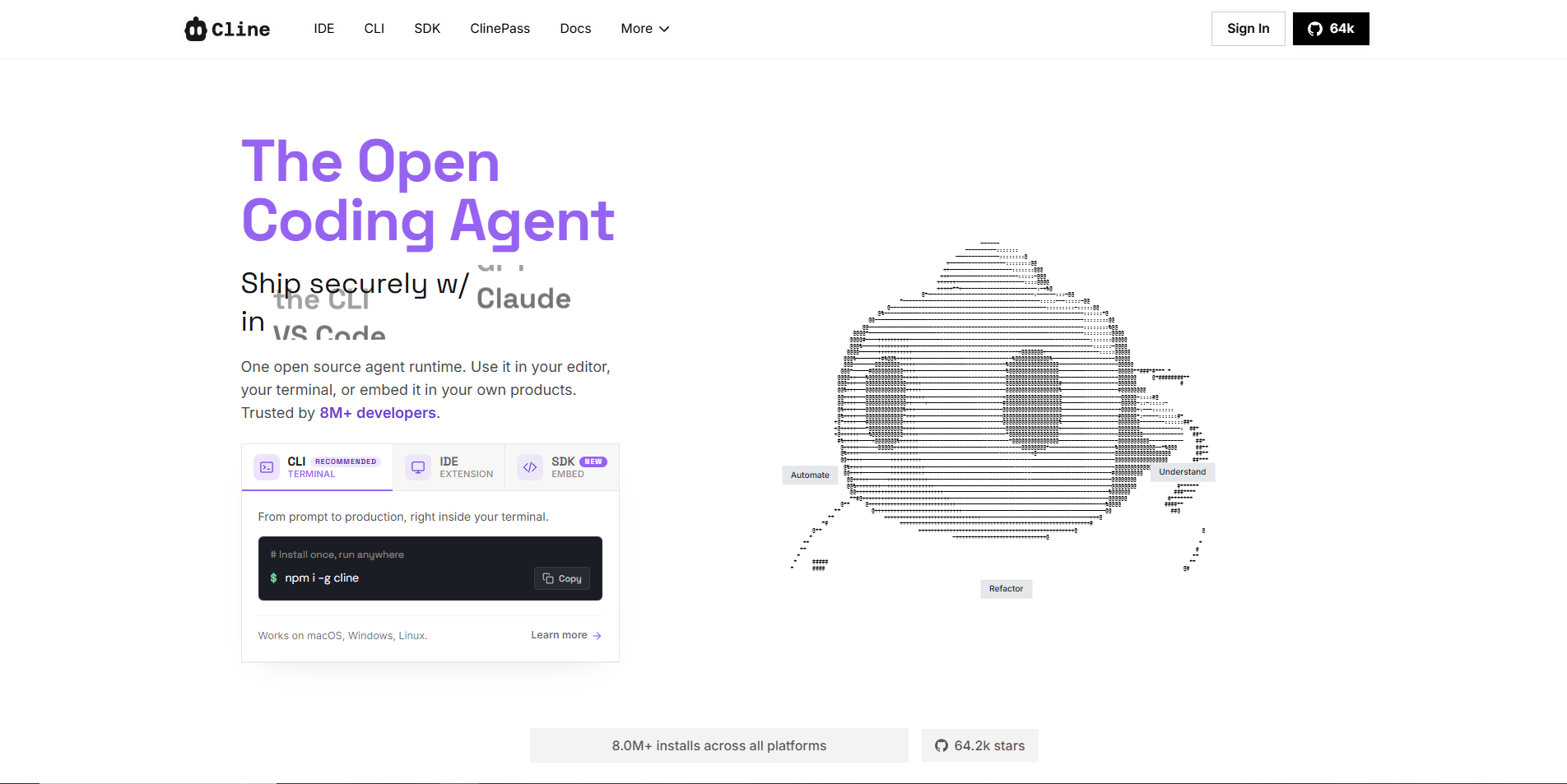
Cline is an open-source coding agent that runs in editors, with plan-and-act workflows, MCP support, and bring-your-own-model flexibility. It serves developers who want agentic coding without committing to one hosted platform. Its main strength is transparency and control, especially when users want to inspect actions before execution. That makes it more useful for disciplined teams than for unstructured experimentation alone at scale.
Cline fits technical users comfortable managing model providers, prompts, permissions, and local project context. It is less suitable for teams that want fixed subscription pricing, managed administration, or minimal setup. Buyers should treat model usage as the main cost, review extension permissions, and test whether agent autonomy improves their workflow. It works best when developers can verify outputs before committing meaningful changes in practice.
KEY FEATURES
What you get out of the box
Plan Act
Splits tasks into reviewable agentic coding steps
MCP Support
Connects tools through model context protocol servers
Editor Agent
Works from VS Code with project context
Terminal Actions
Runs commands after requesting visible user approval
Model Flexibility
Supports custom model configurations for control needs
Diff Review
Lets developers inspect changes before accepting updates
Workspace Checkpoints
Restores earlier workspace states after agent changes
MCP Tool Connections
Extends agents with external tools and services
CLI and IDE Access
Runs interactively or headlessly across development environments.
USE CASES
Where teams put it to work
VSCode Agent Tasks
MCP Tool Workflows
Plan Before Editing
Open Model Experiments
Debugging With Commands
Extension Based Automation
Connect internal tools through MCP servers
Automate code reviews inside CI pipelines
Run tests and fix failures automatically
Run agents with local AI models
Editorial Take
What we like, and what to verify
- Open workflows require configuration discipline early
- Tool permissions need careful user control
- Nontechnical users may find setup complex
- AI inference costs remain separate
- Enterprise governance uses custom pricing
- Local models need substantial memory
- ClinePass includes recurring usage quotas
Screenshots
A look inside
Alternatives
Tools to consider next

OpenHands SF 8.1
Why consider it
OpenHands provides open coding agent infrastructure

Aider SF 8.38
Why consider it
Aider edits repositories from the terminal

Claude Code SF 8.58
Why consider it
Claude Code handles terminal coding tasks

Continue SF 8.2
Why consider it
Continue runs source-controlled pull request checks
USER REVIEWS
Cline Reviews
Published user reviews are moderated and kept separate from the SoftFinders Score.
No published reviews yet.
Reviews from real users will appear here once published.
Used Cline?
Share your experience with other buyers.
FAQ