
- Visual AI catches meaningful interface regressions
- Baseline workflows support UI approval discipline
- Strong fit for design-sensitive product teams
- ISO 27001 and SOC 2 certified

Applitools
Visual AI testing for UI regressions
SF8.44
SF Score editorial score across features, ease, and value, based on public reviews and product research. Learn more →
Visual Regression ReviewAI testingvisual testing
Visual Regression ReviewAI testing
Best for
Teams validating visual interface changes
Pricing
Custom
Free plan
Check vendor
SoftFinders Score
8.44 / 10
Overview
What is Applitools?
Applitools is a visual AI testing platform for teams that need reliable UI regression detection across screens, components, browsers, and documents. It compares visual states with machine learning rather than simple pixel matching, helping teams identify meaningful changes. Its strength is visual judgment: dynamic interfaces can be reviewed without drowning teams in false positives. That keeps visual regressions visible before customers notice interface changes.
It fits product and QA teams where interface correctness, accessibility, or brand consistency matters. Buyers should confirm pricing, test volume, and how visual baselines fit existing automation. Applitools is less useful for backend testing alone; compare it with Mabl, Katalon, and Octomind for broader coverage. Adoption works best when teams define baseline ownership, review thresholds, visual approval rules, and rollout responsibilities before broader scaling.
KEY FEATURES
What you get out of the box
Visual AI
Detects meaningful UI changes without noise safely
Baseline Reviews
Compares current screens against approved states reliably
Cross Browser
Checks interfaces across browsers and devices quickly
Accessibility Checks
Supports visual review for compliance workflows directly
Component Testing
Validates UI components before full releases consistently
Ultrafast Grid
Scales visual validation across environments quickly centrally
Accessibility Validation
Checks contrast, font sizing, and layout overlaps
MCP Agent Integration
Feeds structured visual results into coding assistants
USE CASES
Where teams put it to work
Visual Regression Review
Cross Browser Validation
Component Visual Testing
Accessibility Visual Checks
Design System Governance
Baseline Approval Workflow
Test design system components before integration
Check accessibility alongside interface validation
Investigate failed UI changes through RCA
Connect visual validation to coding agents
Editorial Take
What we like, and what to verify
- Pricing is not publicly transparent currently
- Visual testing cannot replace functional coverage
- Baseline maintenance needs clear ownership practices
- Private cloud requires higher tier
- Professional pricing requires direct sales discussion
Screenshots
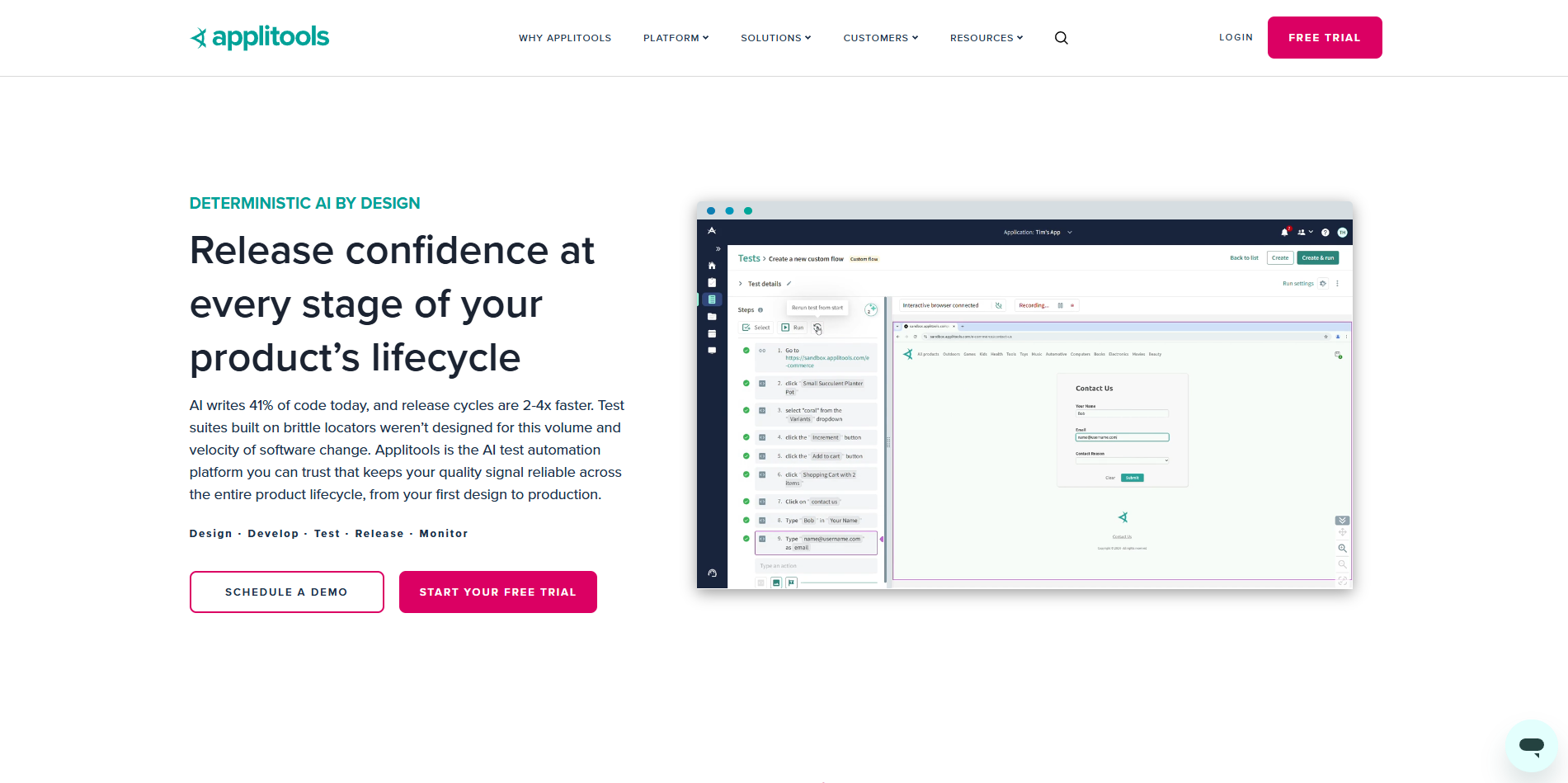
A look inside
Alternatives
Tools to consider next

Mabl SF 8.8
Why consider it
Low-code testing for resilient web workflows

Katalon SF 8.7
Why consider it
Unified automation for cross-platform testing teams

Functionize SF 8.17
Why consider it
Agentic testing for enterprise QA workflows

Testim SF 8.5
Why consider it
AI-stabilized tests for web release teams
Octomind SF 7
Why consider it
Winding-down E2E testing platform for reference

Reflect SF 8.2
Why consider it
No-code tests for browser workflow checks
USER REVIEWS
Applitools Reviews
Published user reviews are moderated and kept separate from the SoftFinders Score.
No published reviews yet.
Reviews from real users will appear here once published.
Used Applitools?
Share your experience with other buyers.
FAQ