
- Strong AI auto edit across long form recordings
- Silence removal, captions, and reframing baked in
- Affordable monthly pricing for creators and small teams

Wisecut
AI automatic video editor for creators
SF7.9
SF Score editorial score across features, ease, and value, based on public reviews and product research. Learn more →
Remove silences across long recordingsshort clipscaptions
Remove silences across long recordingsshort clips
Best for
AI auto editing for content creators
Pricing
From $15/mo
Free plan
Available
SoftFinders Score
7.9 / 10
Overview
What is Wisecut?
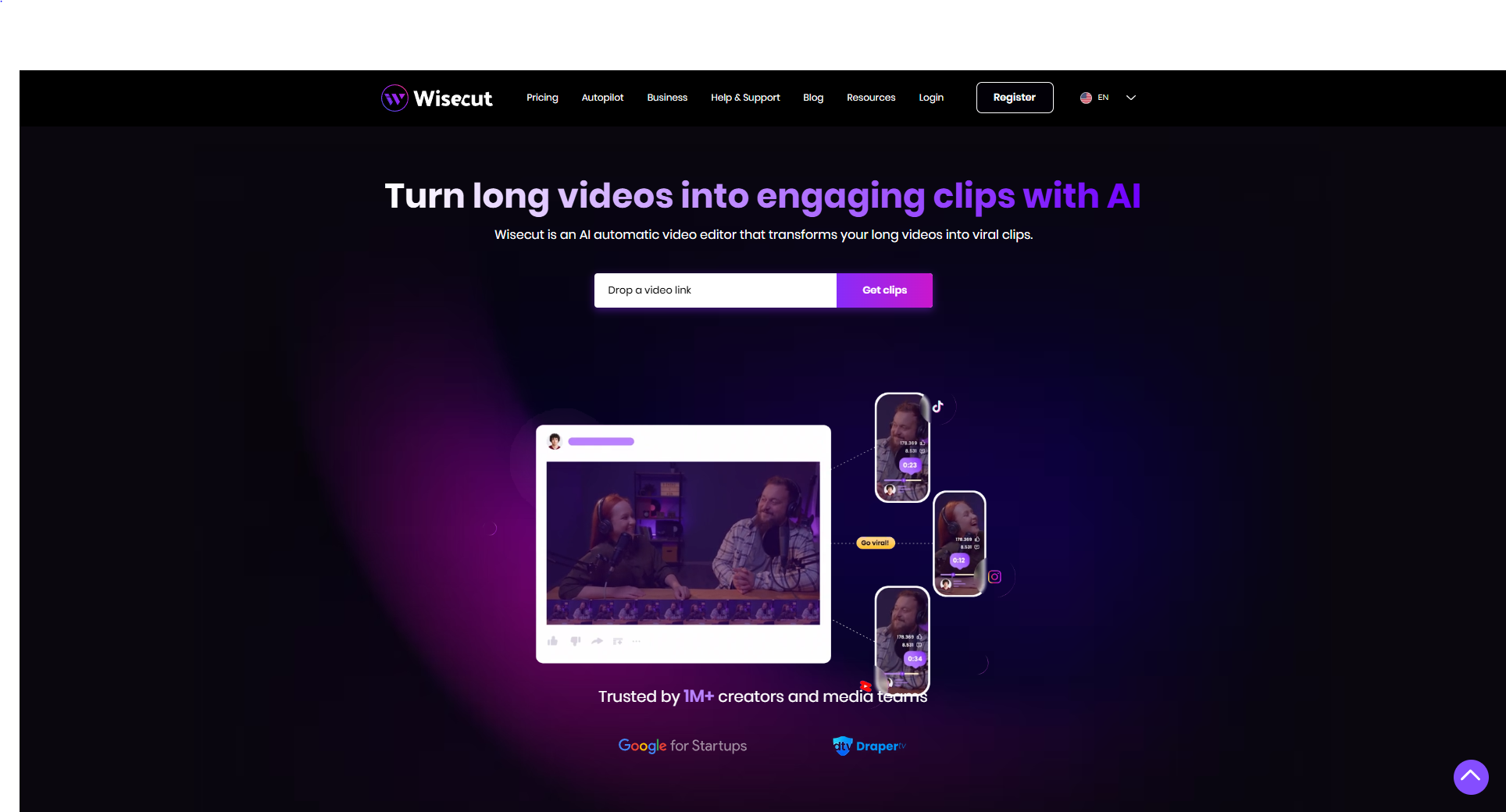
Wisecut is an AI video editing and repurposing platform for creators, businesses, and media teams that want to turn long recordings into edited videos and short-form social clips with less manual editing. It combines automated clipping and cleanup with WISH, a natural-language editing assistant, plus captions, reframing, music, scheduling, and automated publishing.
- Natural-language editing: WISH lets users describe the desired edit in plain language. It analyzes the source video and can plan cuts, aspect-ratio changes and reframing, captions, and music before the user reviews the proposed result.
- Long-form repurposing: Wisecut identifies moments worth clipping from longer recordings such as podcasts, interviews, webinars, streams, courses, and talks, then prepares them for short-form formats. Auto Reframe keeps speakers visible in vertical video, while captions are added for social viewing.
- Production automation: Editing tools can remove silences, filler, and false starts, generate subtitles, reframe footage for vertical, square, or landscape output, and add background music. Wisecut uses a storyboard and transcript-oriented workflow rather than requiring users to perform every edit on a conventional timeline.
- Autopilot and publishing: Autopilot can monitor connected content, automatically create clips from new videos or live streams, place them into a publishing queue, and schedule and publish them according to predefined platform rules. Current examples include YouTube Shorts, Instagram Reels, and TikTok. Wisecut uses a shared credit balance across Editor, WISH, and Autopilot, with Free, Starter+, Professional+, and custom Enterprise options.
Wisecut is most relevant to creators and teams that repeatedly turn long-form spoken video into social content and want clipping, cleanup, reframing, captions, and distribution handled in the same workflow. Its value depends on publishing frequency, source-video volume, required output quality, and whether the time saved on repetitive editing and distribution justifies the required credits.
KEY FEATURES
What you get out of the box
Silence Removal
Remove silences automatically across video tracks
AI Highlights
AI driven highlight detection across long videos
Auto Captions
Generate captions across edited video output
Auto Reframe
Reframe clips for vertical and square
Smart Music
Add background music with smart audio ducking
Storyboard Editor
Edit videos through a storyboard interface
USE CASES
Where teams put it to work
Remove silences across long recordings
Detect highlights for short clips
Reframe clips for vertical channels
Add captions across edited clips
Add background music with ducking
Run creator short clip program
Editorial Take
What we like, and what to verify
- AI editing varies by source recording audio quality
- Light public review base relative to mainstream tools
- Hand edited clips may feel more polished overall
Screenshots
A look inside
Alternatives
Tools to consider next

Opus Clip SF 8.2
Why consider it
AI long form to clips automation

Veed SF 8.3
Why consider it
Online video editor with AI features

InVideo AI SF 8.2
Why consider it
AI prompt to video generation tool

Steve AI SF 7.9
Why consider it
AI script to animated video tool

Colossyan SF 7.97
Why consider it
AI avatar L&D training videos
USER REVIEWS
Wisecut Reviews
Published user reviews are moderated and kept separate from the SoftFinders Score.
No published reviews yet.
Reviews from real users will appear here once published.
Used Wisecut?
Share your experience with other buyers.
FAQ