
- Visual workflows help analysts automate complex preparation
- AutoML lowers barriers for predictive modeling work
- Spatial analytics adds depth beyond standard BI tools
- Professional connects to 100+ data sources

Alteryx
Analytics automation for repeatable data workflows
SF8.54
SF Score editorial score across features, ease, and value, based on public reviews and product research. Learn more →
workflow automationanalytics automationdata preparation
workflow automationanalytics automation
Best for
Analysts automating repeatable data workflows
Pricing
From $250/mo
Free plan
Not available
SoftFinders Score
8.54 / 10
Overview
What is Alteryx?
Alteryx is packaged through Alteryx One, which brings its visual analytics, automation, and AI capabilities into a common platform. Analysts can use Designer Desktop or Designer Cloud to connect, cleanse, join, transform, and analyze data as reusable workflows rather than rebuilding the same preparation steps for each report. Professional and Enterprise editions add broader data connectivity, advanced preparation, Auto Insights, reporting, workflow scheduling, and access across desktop and cloud environments. Live Query takes a different approach for supported Snowflake, Databricks, and Google BigQuery environments by running analytics against data in the cloud warehouse without first moving or replicating it into Alteryx.
Alteryx’s newer AI features serve two distinct jobs. Ask Alteryx acts as a generative assistant for building, documenting, understanding, and troubleshooting workflows; in Live Query, its current workflow-building support is specifically available for Google BigQuery. Agent Studio, introduced in 2026 for Professional and Enterprise editions, lets organizations create Alteryx Agents that answer natural-language questions against approved datasets while operating within Alteryx One permissions.
- Best fit: Organizations with business analysts who repeatedly prepare, reconcile, combine, and report on data from multiple systems and want those processes converted into governed workflows. Alteryx is particularly relevant when analysts need low-code workflow design while IT still needs shared connections, scheduling, permissions, and a route for operationalizing recurring analytics.
- Check first: Edition boundaries materially change what users receive. Starter costs $250 per user per month, billed annually, supports 1–10 users, is cloud-only, and focuses on basic preparation using flat files such as CSV, Excel, and JSON. Professional adds desktop access, 100+ data-source connectivity, advanced preparation, Auto Insights, reporting, and essential scheduling. Enterprise adds capabilities such as advanced scheduling and monitoring, enterprise governance, analytic applications, viewer roles, and substantially greater included automation capacity.
Bottom line: Alteryx is most compelling when recurring analytics still depend on manually combining, cleaning, and reconciling data and the organization wants to turn those procedures into reusable workflows that can later be scheduled, shared, governed, or exposed through AI-assisted experiences.
KEY FEATURES
What you get out of the box
Workflow Designer
Build repeatable pipelines with visual tools
AutoML Models
Train predictive models without coding clearly
AiDIN Assistant
Add AI guidance across workflows clearly
Spatial Analytics
Analyze geography and location-based business data
Server Scheduling
Run approved workflows on repeat schedules
Data Blending
Combine files, databases, and applications clearly
Ask Alteryx
Builds and troubleshoots workflows through natural language
Agent Studio
Builds governed AI experiences from approved assets
Enterprise Data Connectivity
Connects cloud, on-prem, applications, databases, and files
Predictive Analytics
Adds machine learning within reusable analytic workflows.
USE CASES
Where teams put it to work
Automate recurring finance reporting workflows
Blend customer data from many systems
Build predictive models without coding
Prepare data for downstream dashboards
Analyze territory and location performance
Editorial Take
What we like, and what to verify
- Licensing costs can challenge smaller analytics teams
- Desktop-centered workflows may feel dated to engineers
- Requires governance before broad departmental rollout clearly
- Starter connects only to flat files
- Desktop Alteryx One app is Windows-only
- Enterprise requires at least ten users
Screenshots
A look inside
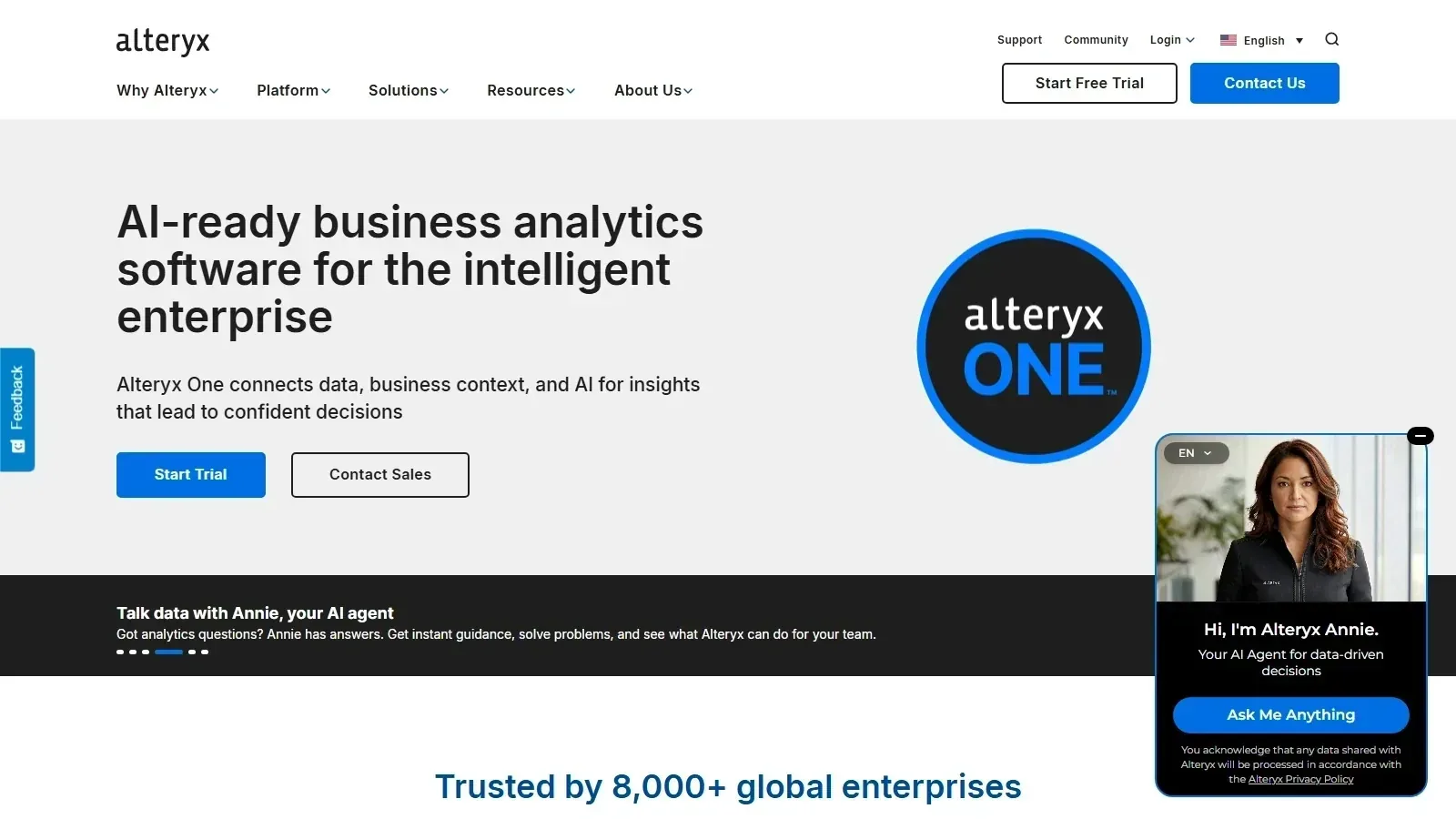 Alteryx homepage screenshot
Alternatives
Tools to consider next
TIBCO Spotfire SF 8.5
Why consider it
Technical analytics for data-heavy industries

MicroStrategy SF 8.4
Why consider it
Semantic analytics for large enterprises

SAP Analytics Cloud SF 8.4
Why consider it
SAP-native BI and planning analytics

IBM Cognos Analytics SF 8.3
Why consider it
Enterprise reporting with AI-assisted exploration

Microsoft Power BI SF 9
Why consider it
Microsoft BI with Copilot analytics
USER REVIEWS
Alteryx Reviews
Published user reviews are moderated and kept separate from the SoftFinders Score.
No published reviews yet.
Reviews from real users will appear here once published.
Used Alteryx?
Share your experience with other buyers.
FAQ