
- Strong fit for AWS development teams
- Cloud modernization guidance is practically useful
- AWS integration reduces separate tooling needs
- Pro costs $19 per user monthly
- IP indemnity is included with Pro

Amazon Q Developer
Amazon Q Developer guides AWS development
SF8.38
SF Score editorial score across features, ease, and value, based on public reviews and product research. Learn more →
AWS Service Guidancecloud codingAWS assistant
AWS Service Guidancecloud coding
Best for
AWS teams modernizing cloud code
Pricing
From $19/mo
Free plan
Available
SoftFinders Score
8.38 / 10
Overview
What is Amazon Q Developer?
Amazon Q Developer is AWS's AI assistant for software teams building, operating, and modernizing applications on or around AWS. It supports IDE and CLI workflows, chat, code help, and transformation tasks within the broader AWS environment. Its main strength is cloud-aware guidance for teams whose development work is already tied to AWS services. That makes evaluation easier when teams compare tools against existing habits.
Amazon Q Developer fits AWS-heavy teams that want coding support connected to cloud operations and modernization work. It is less suitable when repositories, infrastructure, and deployment choices are largely outside AWS or when teams need model-agnostic control. Buyers should review free tier limits, Pro usage rules, identity setup, and transformation charges carefully. That matters when AWS context drives everyday engineering decisions for cloud teams.
KEY FEATURES
What you get out of the box
AWS Guidance
Answers AWS development questions inside cloud workflows
Code Transformation
Assists migrations refactors and modernization tasks safely
IDE Support
Works inside common editors and AWS tools
CLI Assistance
Helps developers investigate tasks from command lines
Security Context
Considers cloud permissions services and operational risks
Team Controls
Supports enterprise identity governance and usage policies
USE CASES
Where teams put it to work
AWS Service Guidance
Cloud Migration Planning
Infrastructure Code Help
Security Review Support
CLI Troubleshooting Work
Team Enablement Programs
Port .NET Framework to cross-platform .NET
Extend coding workflows with MCP tools
Editorial Take
What we like, and what to verify
- Best value favors AWS-heavy teams strongly
- Non-AWS workflows may feel less natural
- Permissions and policies require careful setup
- IDE plugins retire April 30, 2027
Screenshots
A look inside
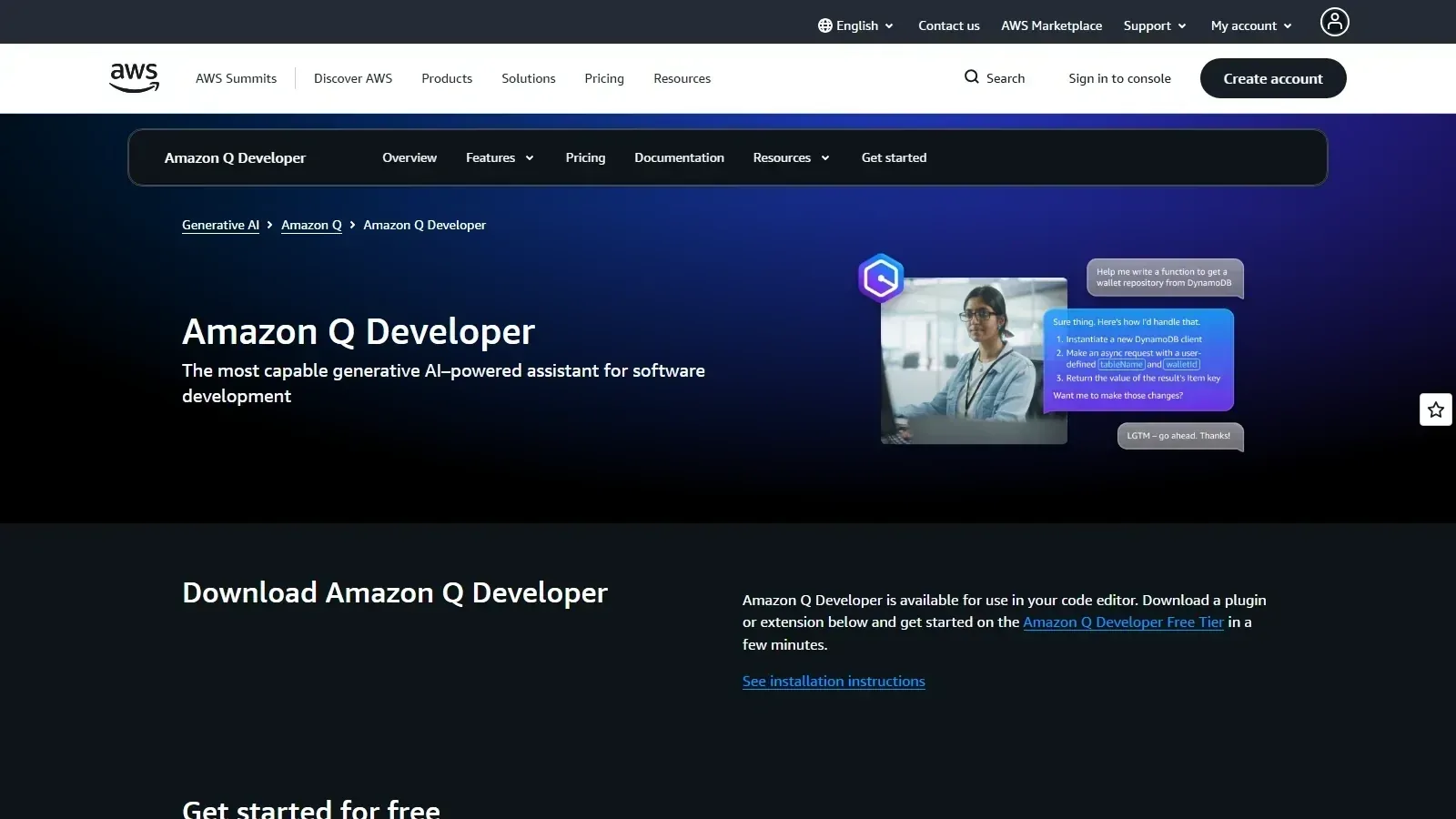 Amazon Q Developer homepage screenshot
Comparisons
See it side by side
Alternatives
Tools to consider next

GitHub Copilot SF 9.03
Why consider it
GitHub Copilot assists coding inside IDEs

JetBrains AI Assistant SF 8.4
Why consider it
JetBrains AI Assistant supports JetBrains workflows

Tabnine SF 8.6
Why consider it
Tabnine focuses on private code assistance

Sourcegraph Cody SF 8.2
Why consider it
Sourcegraph Cody answers codebase context questions

Augment Code SF 8.34
Why consider it
Augment Code understands large codebases deeply

Phind SF 7.8
Why consider it
Phind answers technical questions with models
USER REVIEWS
Amazon Q Developer Reviews
Published user reviews are moderated and kept separate from the SoftFinders Score.
No published reviews yet.
Reviews from real users will appear here once published.
Used Amazon Q Developer?
Share your experience with other buyers.
FAQ