
- Deep context helps large repositories significantly
- Combines IDE CLI and review workflows
- Enterprise controls support governed team rollout
- Supports enterprise team workflows
- Combines coding and review agents

Augment Code
Augment Code understands large codebases deeply
SF8.34
SF Score editorial score across features, ease, and value, based on public reviews and product research. Learn more →
Large Repository Changesai agentscodebase context
Large Repository Changesai agents
Best for
Teams managing large codebase context
Pricing
From $20/mo
Free plan
Not available
SoftFinders Score
8.34 / 10
Overview
What is Augment Code?
Augment Code is an AI coding platform focused on large codebases, IDE assistance, CLI work, agents, and code review. It serves developers and teams that need repository context beyond isolated files. Its main strength is the context engine, which aims to make suggestions and agent actions more aware of architecture, dependencies, and recent changes. This keeps assistance close to the work developers already manage.
Augment Code fits teams working in complex repositories where shallow context creates weak AI output. It is less suitable for small projects that only need occasional autocomplete or low-cost experimentation. Buyers should compare credit consumption, team administration, code review needs, and how well Augment understands their actual repository structure. That makes it more useful for disciplined teams than for unstructured experimentation alone at scale.
KEY FEATURES
What you get out of the box
Context Engine
Understands large repositories before suggesting engineering actions
IDE Agents
Supports agents across editors and command lines
Code Review
Reviews pull requests using codebase context signals
Native Tools
Connects development tools for workflow-aware task execution
Team Standards
Applies organizational guidelines across generated coding work
Enterprise Controls
Supports security governance and managed team rollout
Agentic Coding Agents
Completes tasks across repositories and files
Context Engine
Understands large codebases before suggestions
USE CASES
Where teams put it to work
Large Repository Changes
Code Review Automation
Team Standard Enforcement
Agentic IDE Work
CLI Engineering Tasks
Context Heavy Debugging
Review changes before merging
Debug complex application issues
Standardize team coding practices
Support agent driven development
Editorial Take
What we like, and what to verify
- Pricing can rise for heavier usage
- Best value favors larger codebases teams
- Credit systems require adoption monitoring closely
- Requires evaluation for production workflows
Screenshots
A look inside
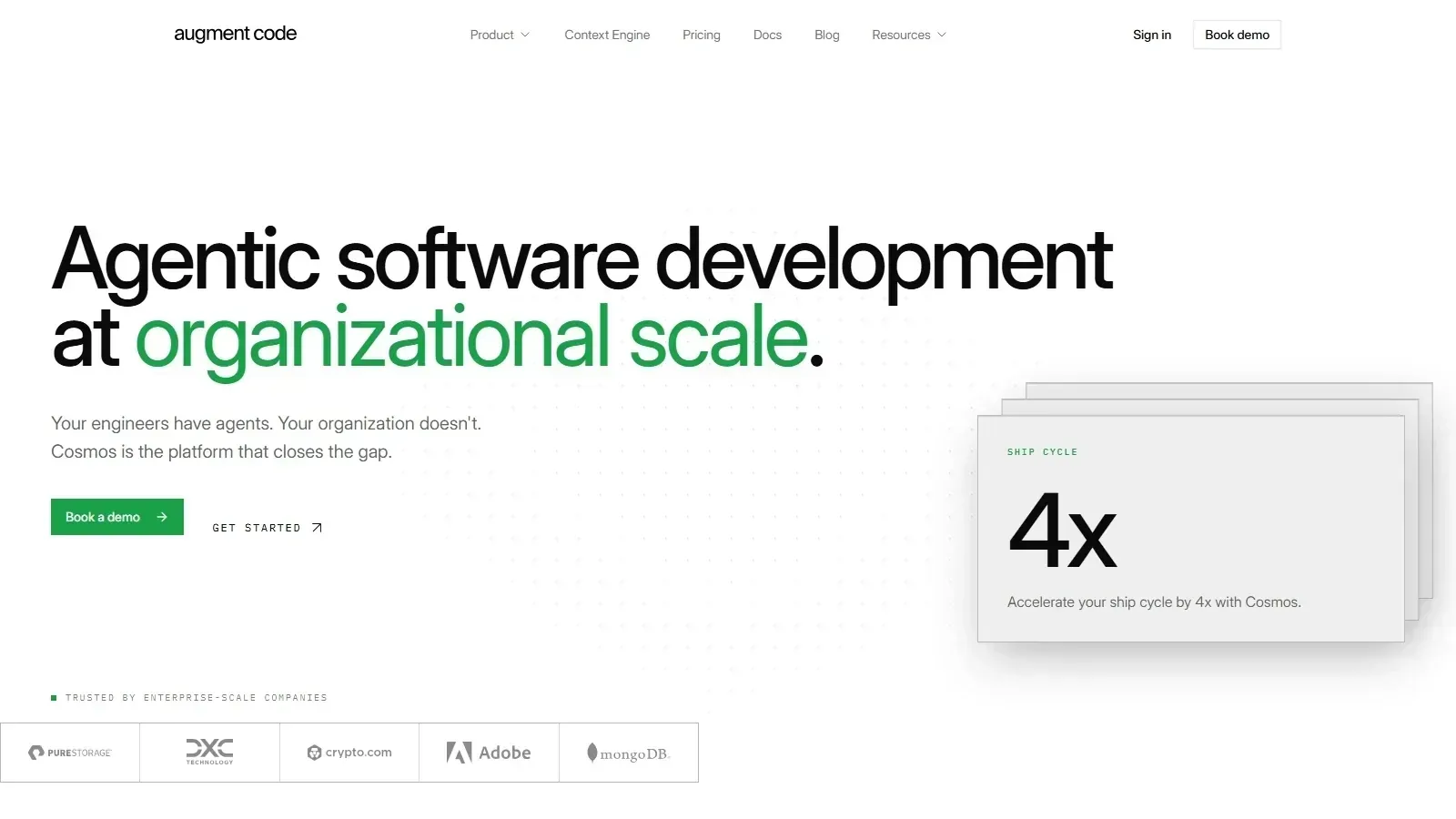 Augment Code homepage screenshot
Alternatives
Tools to consider next

Sourcegraph Cody SF 8.2
Why consider it
Sourcegraph Cody answers codebase context questions

GitHub Copilot SF 9.03
Why consider it
GitHub Copilot assists coding inside IDEs

Cursor SF 8.93
Why consider it
Cursor combines editing chat and agents

Tabnine SF 8.6
Why consider it
Tabnine focuses on private code assistance

Continue SF 8.2
Why consider it
Continue runs source-controlled pull request checks

JetBrains AI Assistant SF 8.4
Why consider it
JetBrains AI Assistant supports JetBrains workflows
USER REVIEWS
Augment Code Reviews
Published user reviews are moderated and kept separate from the SoftFinders Score.
No published reviews yet.
Reviews from real users will appear here once published.
Used Augment Code?
Share your experience with other buyers.
FAQ