
- Works naturally inside JetBrains developer workflows
- IDE awareness improves explanations and refactors
- Good fit for existing JetBrains shops

JetBrains AI Assistant
JetBrains AI Assistant supports JetBrains workflows
SF8.4
SF Score editorial score across features, ease, and value, based on public reviews and product research. Learn more →
IDE Native Helpai assistantcode generation
IDE Native Helpai assistant
Best for
Developers staying inside JetBrains IDEs
Pricing
From $10/mo
Free plan
Available
SoftFinders Score
8.4 / 10
Overview
What is JetBrains AI Assistant?
JetBrains AI Assistant is an AI coding assistant integrated into JetBrains IDEs that helps developers write, understand, modify, and maintain software directly within their development environment. It provides AI chat, code generation, explanations, documentation support, refactoring assistance, and other programming features while using project context to make responses more relevant to the developer’s codebase.
- IDE-integrated development support: JetBrains AI Assistant works inside JetBrains environments such as IntelliJ IDEA, PyCharm, WebStorm, Rider, and other supported IDEs, allowing developers to use AI assistance without leaving their normal coding workflow.
- Codebase-aware assistance: the assistant can use context from files, selected code, project structure, and development activity to provide more relevant answers, explanations, and suggestions based on the current project.
- Coding and maintenance workflows: developers can use AI Assistant for generating and explaining code, creating documentation, writing tests, improving existing code, generating commit messages, and assisting with repetitive development tasks.
- AI model flexibility: JetBrains AI Assistant supports different AI models and providers depending on availability, allowing teams to configure their preferred AI setup based on coding requirements, privacy considerations, and organizational policies.
JetBrains AI Assistant is most suitable for developers and teams already using JetBrains IDEs who want AI assistance embedded directly into their software development workflow rather than a separate standalone coding chatbot.
KEY FEATURES
What you get out of the box
IDE Awareness
Uses JetBrains project context for coding help
Code Explanation
Explains unfamiliar classes functions and error paths
Refactor Support
Suggests safer changes inside familiar IDE workflows
Test Help
Drafts unit tests from selected code context
Navigation Aid
Keeps assistance connected to active editor state
Team Licensing
Provides managed access for professional developer teams
USE CASES
Where teams put it to work
IDE Native Help
Refactor Review Support
Test Generation Work
Code Explanation Sessions
Polyglot Team Support
Enterprise IDE Adoption
Editorial Take
What we like, and what to verify
- Limited appeal outside JetBrains IDE users
- Capabilities vary by IDE and plan
- Complex tasks still require human verification
Screenshots
A look inside
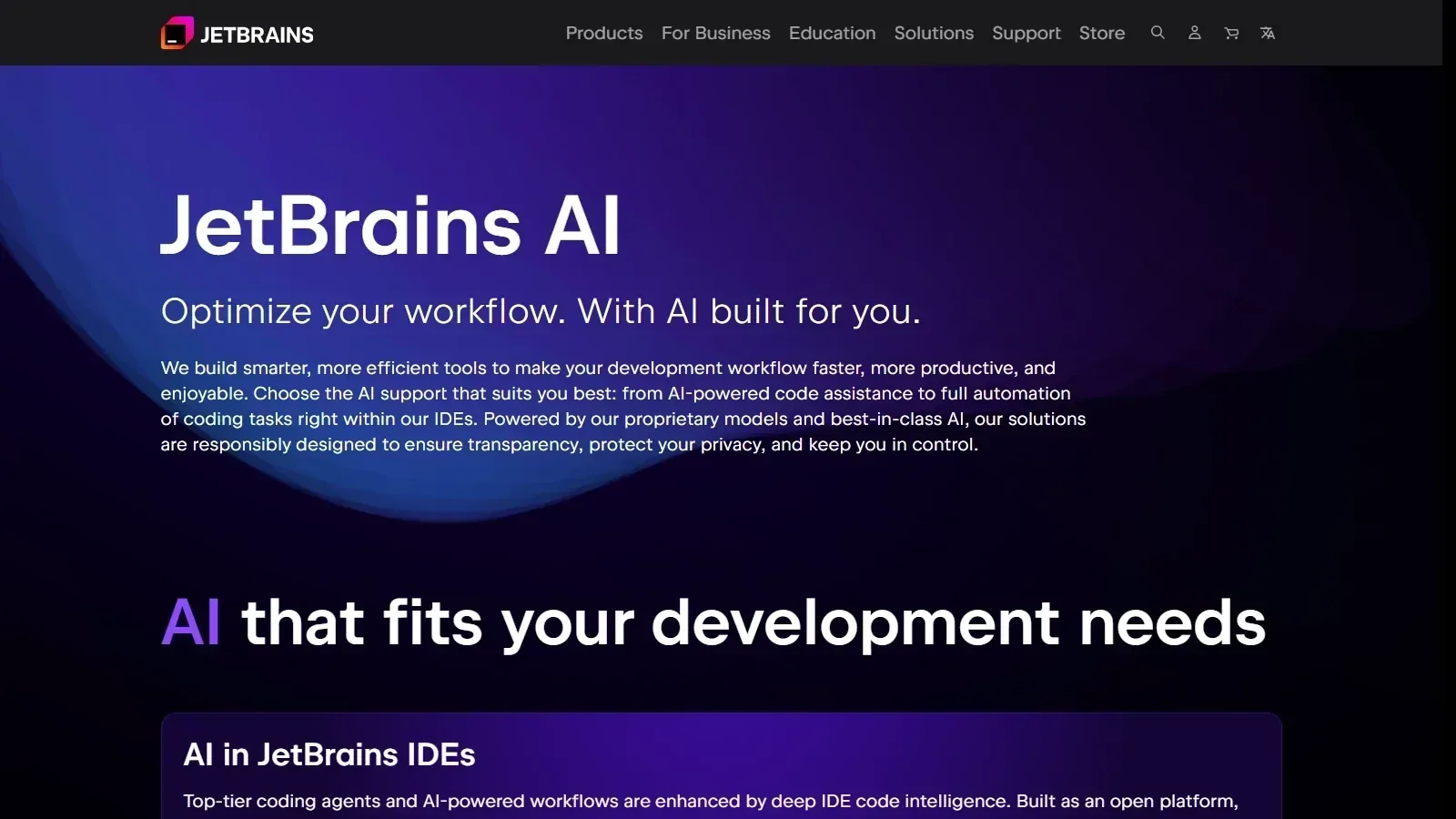 JetBrains AI Assistant homepage screenshot
Comparisons
See it side by side
Alternatives
Tools to consider next

GitHub Copilot SF 9.03
Why consider it
GitHub Copilot assists coding inside IDEs

Tabnine SF 8.6
Why consider it
Tabnine focuses on private code assistance

Amazon Q Developer SF 8.38
Why consider it
Amazon Q Developer guides AWS development

Sourcegraph Cody SF 8.2
Why consider it
Sourcegraph Cody answers codebase context questions

Augment Code SF 8.34
Why consider it
Augment Code understands large codebases deeply

Cursor SF 8.93
Why consider it
Cursor combines editing chat and agents
USER REVIEWS
JetBrains AI Assistant Reviews
Published user reviews are moderated and kept separate from the SoftFinders Score.
No published reviews yet.
Reviews from real users will appear here once published.
Used JetBrains AI Assistant?
Share your experience with other buyers.
FAQ