
- Agentic editor keeps changes highly visible
- Inline edits reduce copy paste work
- Good for rapid prototype iteration sessions
- Privacy Mode available on free tier
- Cloud agents run without local machine
- Tab supports coordinated cross-file edits

Cursor
Cursor combines editing chat and agents
SF8.93
SF Score editorial score across features, ease, and value, based on public reviews and product research. Learn more →
Prototype App Buildingdeveloper productivityAI IDE
Prototype App Buildingdeveloper productivity
Best for
Teams building inside AI IDEs
Pricing
From $20/mo
Free plan
Available
SoftFinders Score
8.93 / 10
Overview
What is Cursor?
Cursor is an AI code editor built around chat, inline edits, tab completion, and agentic development workflows. It serves developers who want an IDE where the assistant can read project context and act directly on files. Its strength is keeping code navigation, prompts, terminal feedback, and generated changes inside one focused workspace. This matters when adoption depends on trust, workflow fit, and review discipline.
Cursor fits teams comfortable adopting a dedicated AI-first editor instead of adding assistance to an existing IDE. It is less suitable when organizations need strict editor standardization, local-only workflows, or very predictable model spending. Buyers should evaluate performance on large repositories, inspect privacy controls, and confirm whether team governance matches their engineering process. That helps teams judge whether the editor improves daily implementation flow.
KEY FEATURES
What you get out of the box
Agent Mode
Runs multi-step coding tasks inside editor sessions
Inline Edits
Applies requested changes with reviewable file diffs
Workspace Context
Reads project files before generating targeted edits
Terminal Loops
Runs commands to verify agentic code changes
Composer Flow
Coordinates prompts edits and navigation together smoothly
Team Controls
Supports rules settings and enterprise review needs
Bugbot Code Review
Reviews pull requests for bugs and security
MCP Integrations
Connects agents with external tools and data
USE CASES
Where teams put it to work
Prototype App Building
Repository Navigation Help
Agent Assisted Debugging
Terminal Feedback Loops
UI Implementation Work
Team Coding Sessions
Review pull requests for security issues
Apply organization coding rules across teams
Run coding agents from terminal workflows
Coordinate changes across multiple repositories
Editorial Take
What we like, and what to verify
- Requires adopting another editor environment first
- Agent edits still need careful supervision
- Enterprise governance should be verified upfront
- Cloud Agents require a paid plan
- Bugbot uses usage-based billing
- Model choice affects included usage consumption
- Enterprise pricing requires sales contact
- Third-party models incur separate usage charges
Screenshots
A look inside
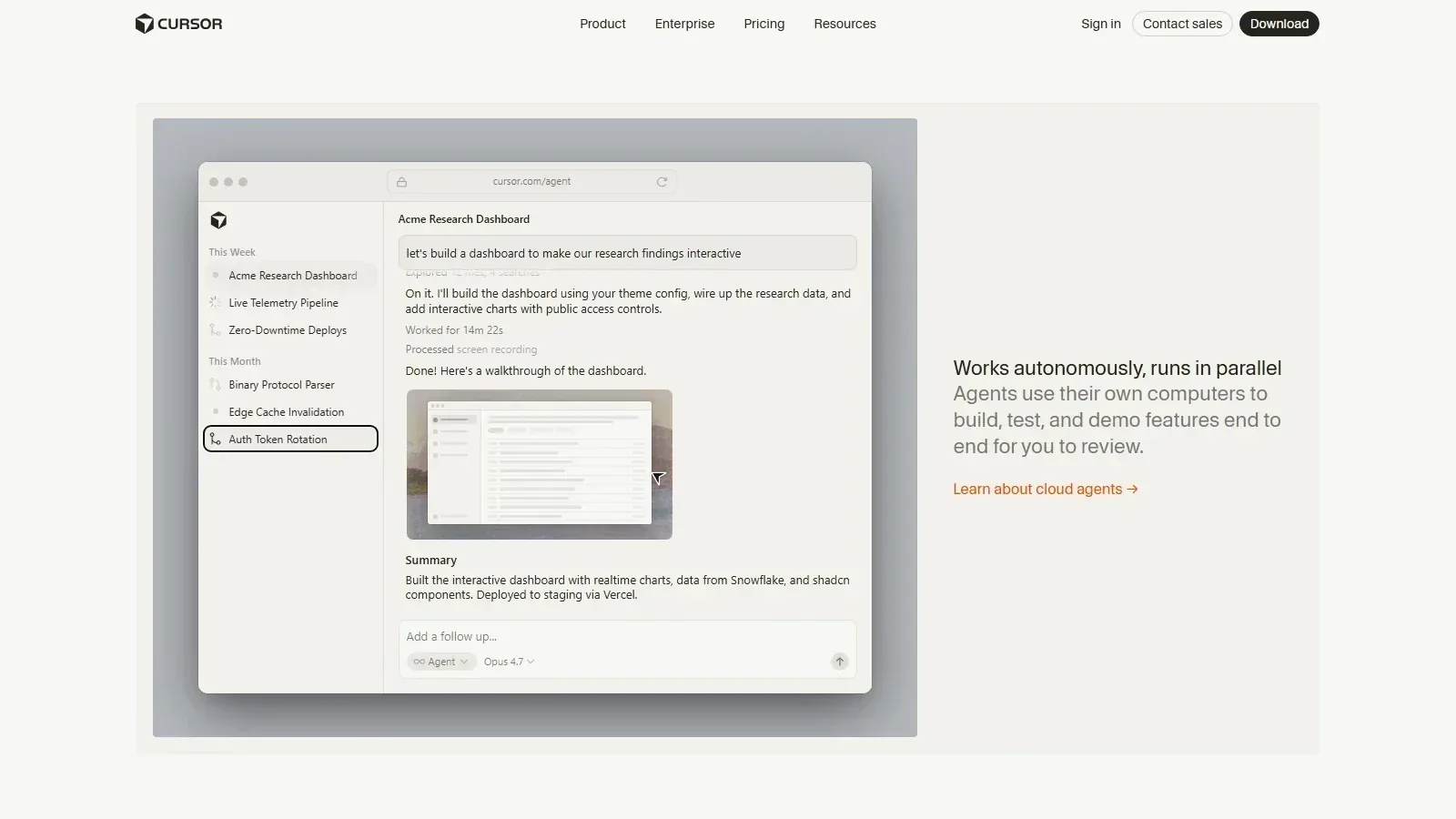 Cursor homepage screenshot
Alternatives
Tools to consider next

Windsurf SF 9.1
Why consider it
Windsurf keeps coding agents inside IDEs

Zed SF 8.1
Why consider it
Zed combines fast editing with agents

GitHub Copilot SF 9.03
Why consider it
GitHub Copilot assists coding inside IDEs

Augment Code SF 8.34
Why consider it
Augment Code understands large codebases deeply

Cline SF 8.46
Why consider it
Cline runs agentic coding inside editors

Devin SF 7.98
Why consider it
Devin delegates engineering tasks to agents
USER REVIEWS
Cursor Reviews
Published user reviews are moderated and kept separate from the SoftFinders Score.
No published reviews yet.
Reviews from real users will appear here once published.
Used Cursor?
Share your experience with other buyers.
FAQ