
- Fast setup for heatmaps recordings and feedback
- AI survey summaries reduce manual analysis effort
- Good entry point for lightweight UX research
- Free tier supports 200,000 monthly sessions
- New accounts receive fifteen-day Growth trials
- Combines behavioral evidence with direct user feedback
- Single tracking tag supports multiple analytics workflows
- Free plan includes several third-party integrations
- Conversion funnels included in the free plan

Hotjar
Heatmaps and recordings for UX insight
SF8.81
SF Score editorial score across features, ease, and value, based on public reviews and product research. Learn more →
Review landing page user behaviorheatmapssession replay
Review landing page user behaviorheatmaps
Best for
Small teams needing fast UX insight
Pricing
Free tier available
Free plan
Available
SoftFinders Score
8.81 / 10
Overview
What is Hotjar?
Hotjar is the behavioral analytics and user-feedback product that is now part of Contentsquare. Its core tools, including heatmaps, session replay, surveys, feedback, and user research, have been incorporated into the wider Contentsquare experience analytics platform, which is now the destination for new sign-ups.
- Behavioral analysis: heatmaps show where visitors click, move, and scroll, while session replay reconstructs individual journeys so teams can investigate hesitation, repeated actions, errors, and abandonment. Contentsquare now extends these workflows with Funnels, Journey Analysis, Error Monitoring, and other experience analytics capabilities.
- AI and feedback: surveys collect direct customer input and include AI-assisted question generation, sentiment analysis, and response summaries. Contentsquare's Sense AI adds replay and heatmap summaries, natural-language analysis through Sense Chat, and deeper automated investigations through Sense Analyst.
- Implementation checks: teams should assess tracking deployment, privacy and masking configuration, session volumes, survey requirements, integrations, user permissions, and which web or app journeys require behavioral capture before rollout.
- Commercial considerations: new customers now choose among Contentsquare Free, Growth, Pro, and Enterprise plans rather than the former standalone Hotjar packages. Session allowances, surveys, integrations, advanced analytics, and Sense AI availability differ by plan and add-on.
Hotjar remains relevant for buyers searching for its familiar heatmap, replay, and feedback workflows, but those capabilities should now be evaluated as part of the broader Contentsquare platform rather than as a separate new-customer analytics product.
KEY FEATURES
What you get out of the box
Heatmap Reports
Shows clicks, movement, and scroll behavior
Session Replay
Replays visitor journeys for usability review
AI Surveys
Generates survey questions and summarizes responses
Feedback Widgets
Collects user reactions directly on pages
Funnel Analysis
Highlights drop offs across conversion paths
USE CASES
Where teams put it to work
Review landing page user behavior
Analyze checkout funnel friction quickly
Collect feedback after page visits
Compare heatmaps after design changes
Investigate website issues from support
Run lightweight UX research studies
Editorial Take
What we like, and what to verify
- Not built for full enterprise metric governance
- Session caps can limit high traffic investigations
- Contentsquare packaging requires careful buyer review today
- Free replays capture only 5% of sessions
- Free surveys allow 100 monthly responses
- Advanced Sense AI requires paid plans
- Analytics and feedback have separate subscription plans
- New masking rules cannot change historical recordings
Screenshots
A look inside
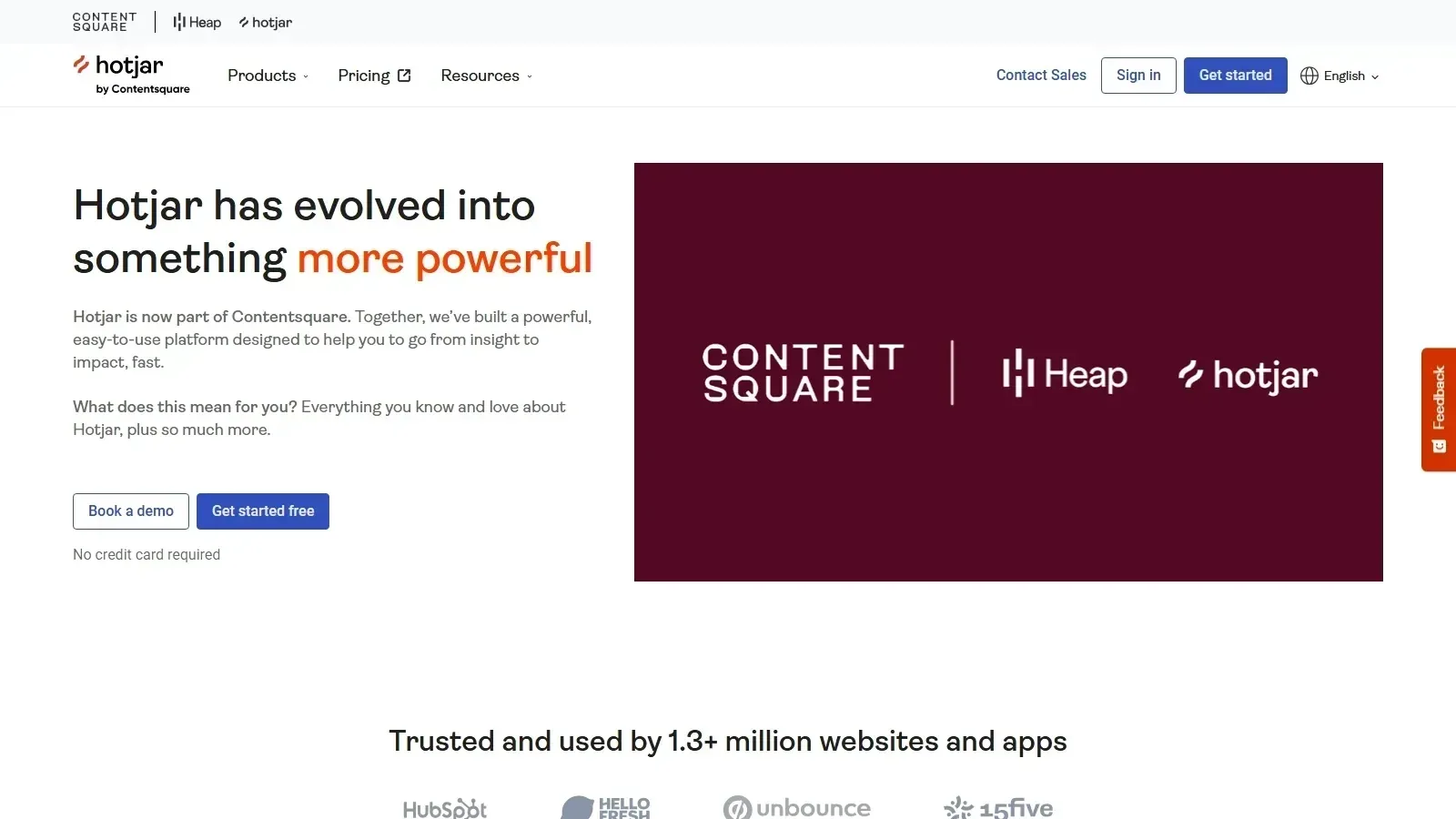 Hotjar homepage screenshot
Alternatives
Tools to consider next

Contentsquare SF 8.42
Why consider it
Enterprise experience analytics with AI insight

Mouseflow SF 8.6
Why consider it
Behavior analytics for website UX fixes

Lucky Orange SF 8.6
Why consider it
Affordable CRO analytics with AI assistant

Smartlook SF 7.4
Why consider it
Session replay across web and mobile

Glassbox SF 8.24
Why consider it
Compliance-grade analytics for digital experiences

Quantum Metric SF 8.5
Why consider it
Real-time experience analytics with Felix AI
USER REVIEWS
Hotjar Reviews
Published user reviews are moderated and kept separate from the SoftFinders Score.
No published reviews yet.
Reviews from real users will appear here once published.
Used Hotjar?
Share your experience with other buyers.
FAQ