
- Affordable behavior analytics with practical AI guidance
- Form analytics gives clear conversion improvement signals
- Good fit for agencies and website teams

Mouseflow
Behavior analytics for website UX fixes
SF8.6
SF Score editorial score across features, ease, and value, based on public reviews and product research. Learn more →
heatmapssession replayfunnels
heatmapssession replay
Best for
Web teams improving conversion friction
Pricing
Free tier available
Free plan
Available
SoftFinders Score
8.6 / 10
Overview
What is Mouseflow?
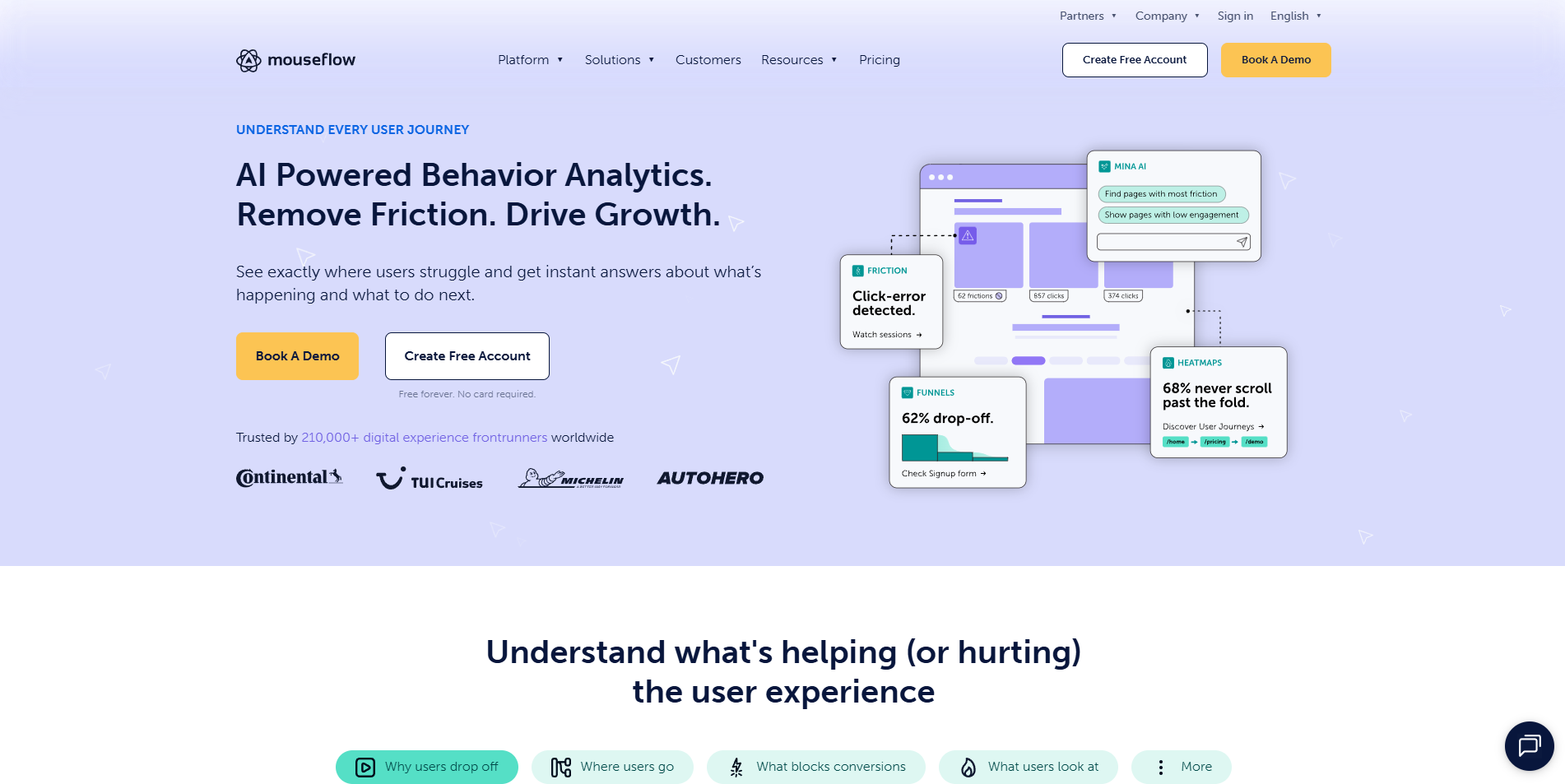
Mouseflow is a website behavior analytics platform that automatically captures visitor interactions and combines session replay, heatmaps, conversion funnels, journey analytics, form analytics, feedback surveys, and friction detection in one workspace.
- Behavioral role: Mouseflow records sessions automatically and lets teams investigate clicks, scrolling, navigation paths, form abandonment, rage clicks, dead clicks, failed interactions, and JavaScript errors. Its friction tools can automatically detect and rank problematic behaviors so teams can move from an aggregate issue to the sessions behind it.
- AI assistance: Mina AI, currently in beta, accepts natural-language questions, analyzes behavioral data, identifies friction patterns, and directs users to relevant sessions for further investigation. Separately, Mouseflow's MCP Server lets compatible AI assistants query live Mouseflow data including recordings, heatmaps, funnels, and feedback through natural-language conversations.
- Implementation checks: buyers should assess expected session volume, privacy masking and consent configuration, retention requirements, website projects, integrations, user permissions, and which funnels or journeys require ongoing monitoring. Mouseflow also excludes sensitive form data and IP addresses by default and provides additional privacy controls depending on plan.
- Commercial considerations: Mouseflow offers Free, Essential, Advanced, Premium, and Enterprise plans, primarily scaling by monthly sessions, website projects, funnel capacity, data retention, and advanced functionality. All plans include unlimited users; current allowances range from 500 sessions and one month of retention on Free to customizable limits on Enterprise.
Mouseflow is particularly relevant to teams that want to investigate why visitors struggle by connecting conversion and journey data with recordings, heatmaps, forms, friction signals, and direct feedback rather than relying only on aggregate traffic metrics.
KEY FEATURES
What you get out of the box
Session Replay
Replays visits to explain website friction
Heatmap Tools
Shows clicking scrolling and movement patterns
Form Analytics
Finds abandoned fields and completion issues
Funnel Reports
Tracks drop offs through conversion paths
AI Insights
Highlights issues needing faster attention from teams
Feedback Tools
Collects visitor comments and survey responses
USE CASES
Where teams put it to work
Diagnose website conversion friction quickly
Improve forms with field analytics
Review campaign landing page behavior
Collect visitor feedback during sessions
Prioritize UX fixes with AI
Support agency reporting for clients
Editorial Take
What we like, and what to verify
- Less deep than enterprise experience analytics platforms
- Advanced governance is limited for large organizations
- Session volume planning matters for busy websites
Screenshots
A look inside
Alternatives
Tools to consider next

Hotjar SF 8.81
Why consider it
Heatmaps and recordings for UX insight

Smartlook SF 7.4
Why consider it
Session replay across web and mobile

Lucky Orange SF 8.6
Why consider it
Affordable CRO analytics with AI assistant

Contentsquare SF 8.42
Why consider it
Enterprise experience analytics with AI insight

Glassbox SF 8.24
Why consider it
Compliance-grade analytics for digital experiences

Quantum Metric SF 8.5
Why consider it
Real-time experience analytics with Felix AI
USER REVIEWS
Mouseflow Reviews
Published user reviews are moderated and kept separate from the SoftFinders Score.
No published reviews yet.
Reviews from real users will appear here once published.
Used Mouseflow?
Share your experience with other buyers.
FAQ