
- Fast editor experience feels highly responsive
- Collaboration features support team coding sessions
- AI features stay close to workspace
Zed
Zed combines fast editing with agents
SF8.1
SF Score editorial score across features, ease, and value, based on public reviews and product research. Learn more →
Fast Code Editingagent workflowsAI editor
Fast Code Editingagent workflows
Best for
Developers wanting fast collaborative editing
Pricing
From $10/mo
Free plan
Available
SoftFinders Score
8.1 / 10
Overview
What is Zed?
Zed is a high-performance code editor designed for software developers who want a fast environment for writing, reviewing, and collaborating on code. Built in Rust, Zed focuses on native performance while combining modern editing features with real-time collaboration and AI-assisted development workflows.
- High-performance development environment: Zed provides a native code editing experience built around speed and responsiveness, supporting common programming workflows while reducing the overhead associated with heavier development environments.
- AI-assisted coding: Zed includes AI features such as inline assistance, code generation, editing support, and agent-based workflows that help developers understand, modify, and create code directly within the editor.
- AI model flexibility: developers can use Zed’s built-in AI capabilities, connect supported external model providers, work with coding agents, or configure local models depending on their preferred setup and privacy requirements.
- Developer collaboration: Zed includes multiplayer collaboration features that allow developers to work together in the same coding environment, making it suitable for pair programming and collaborative development workflows.
Zed is most suitable for developers who want a fast, modern alternative to traditional code editors and need AI-assisted programming features combined with native performance and real-time collaboration.
KEY FEATURES
What you get out of the box
Fast Editor
Keeps coding responsive during AI-assisted development sessions
Agent Panel
Lets developers delegate tasks inside workspace context
Multiplayer Coding
Supports collaborative editing alongside AI assistance features
Model Access
Connects assistants through configurable model provider options
Project Navigation
Moves quickly through files symbols and changes
Low Latency
Prioritizes speed while keeping agents nearby always
USE CASES
Where teams put it to work
Fast Code Editing
Collaborative Development Sessions
Agentic Refactor Work
Low Latency Prototyping
Model Assisted Navigation
Team Workspace Exploration
Editorial Take
What we like, and what to verify
- AI features are newer than incumbents
- Team governance options need careful validation
- Some teams may prefer established IDEs
Screenshots
A look inside
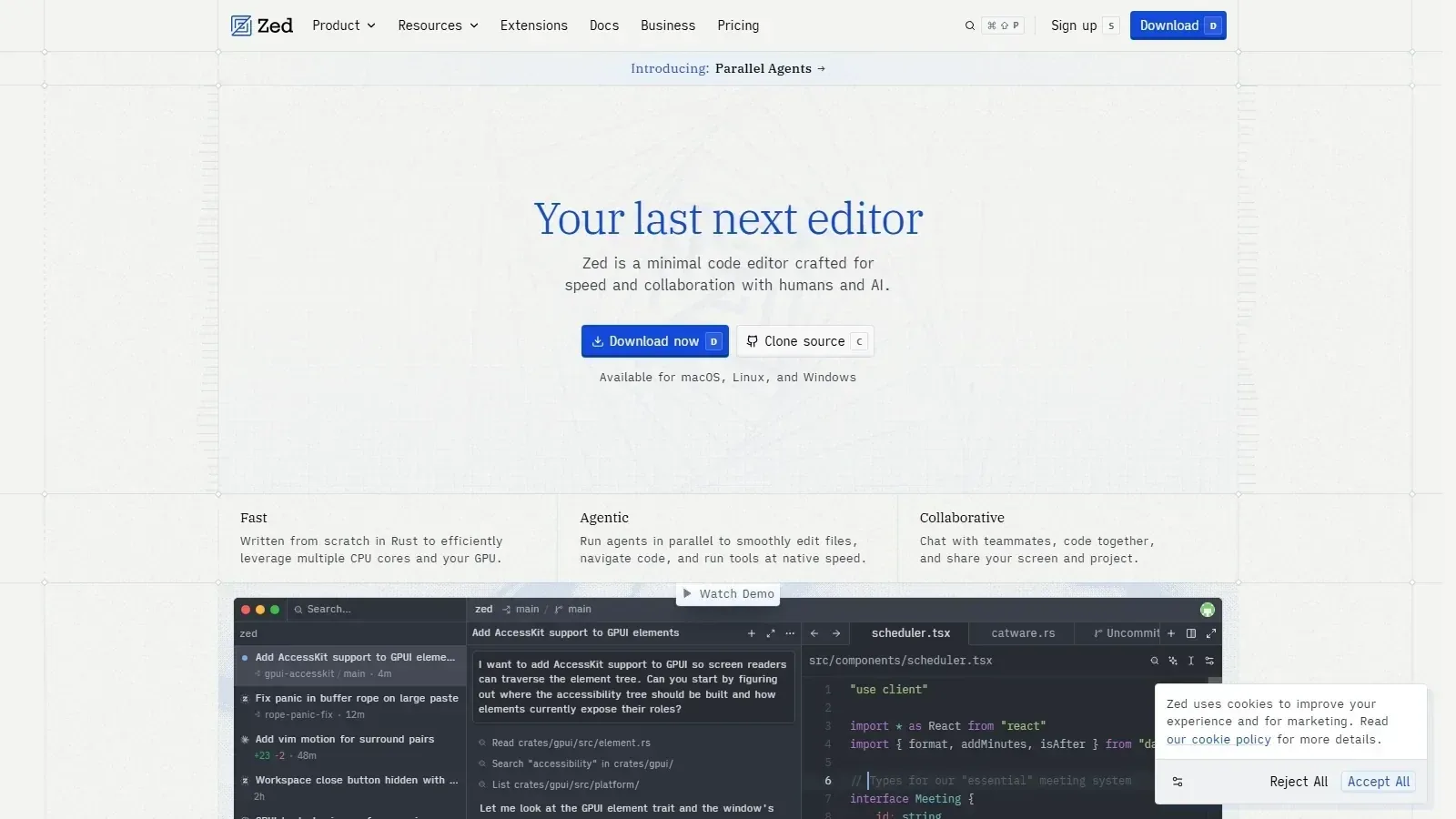 Zed homepage screenshot
Alternatives
Tools to consider next

Cursor SF 8.93
Why consider it
Cursor combines editing chat and agents

Windsurf SF 9.1
Why consider it
Windsurf keeps coding agents inside IDEs

GitHub Copilot SF 9.03
Why consider it
GitHub Copilot assists coding inside IDEs

Cline SF 8.46
Why consider it
Cline runs agentic coding inside editors

Augment Code SF 8.34
Why consider it
Augment Code understands large codebases deeply
USER REVIEWS
Zed Reviews
Published user reviews are moderated and kept separate from the SoftFinders Score.
No published reviews yet.
Reviews from real users will appear here once published.
Used Zed?
Share your experience with other buyers.
FAQ