
- Autocapture reduces engineering work for analytics questions
- Retroactive definitions help teams answer new questions
- Replay context connects numbers with real sessions
- Historical data supports newly defined questions
- Built-in governance tracks changing event definitions
- Free tier includes core behavioral analytics

Heap
Autocapture analytics for digital product teams
SF8.57
SF Score editorial score across features, ease, and value, based on public reviews and product research. Learn more →
Find checkout funnel drop offsession replayfunnels
Find checkout funnel drop offsession replay
Best for
Product teams needing autocaptured user behavior
Pricing
From $22/mo
Free plan
Available
SoftFinders Score
8.57 / 10
Overview
What is Heap?
Heap is a product analytics platform that automatically captures interactions across websites and mobile apps, giving teams retroactive behavioral data for funnels, journeys, retention, and experience analysis without requiring every event to be defined in advance.
- Data capture: Autocapture records interactions such as clicks, taps, pageviews, swipes, screen views, and form activity. Teams can supplement this data with manually tracked, API-based, and server-side events when additional business context is needed.
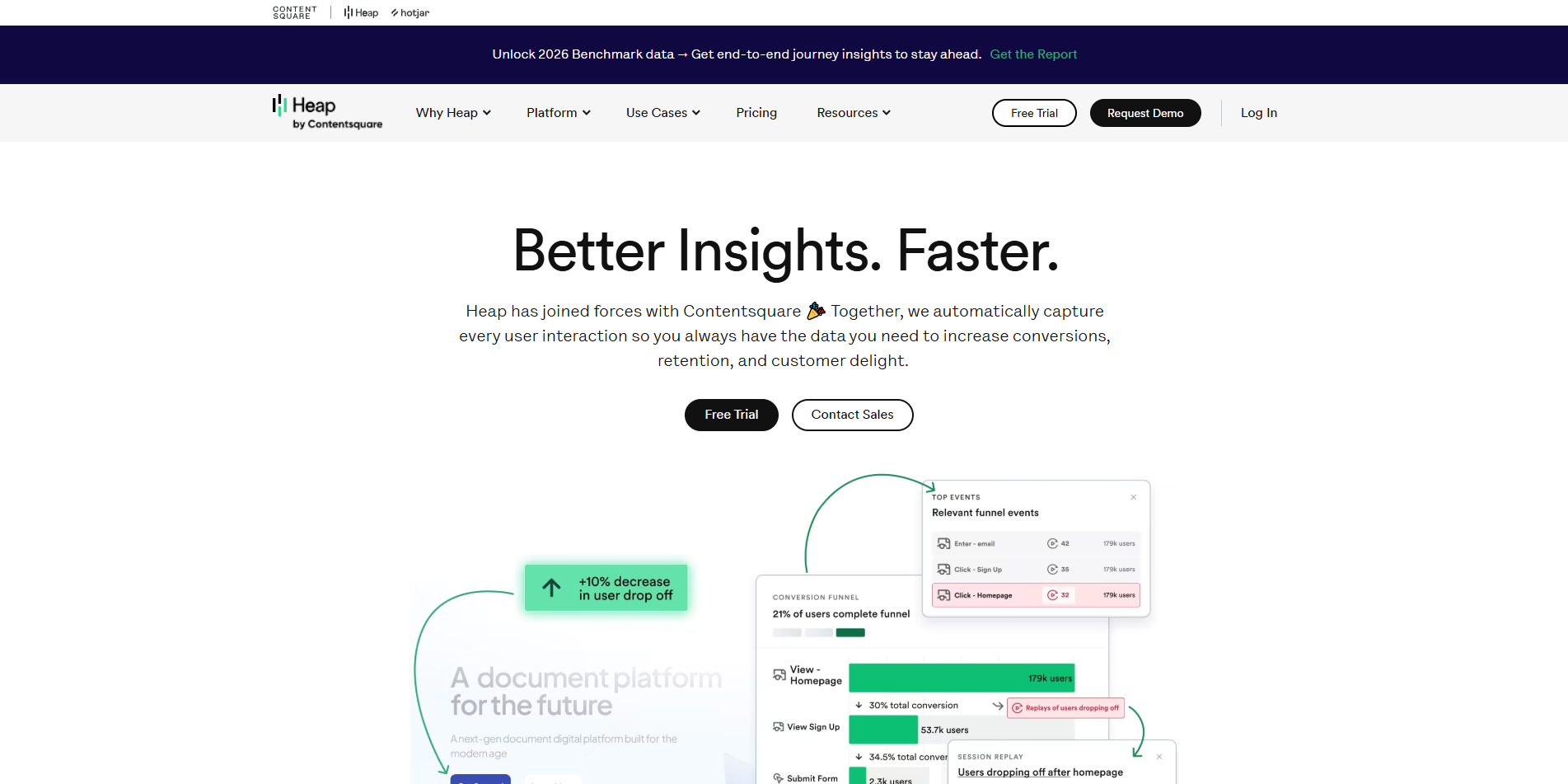
- Analysis role: Journeys visualizes the paths users take before and after key actions, including alternate routes and conversion rates. Integrated Session Replay adds visual context so teams can move from an analytics finding to the sessions behind drop-offs, friction, or unexpected behavior.
- AI assistance: Sense Chat lets users ask behavioral questions in natural language, generate charts, review AI-written data summaries, ask follow-up questions, and inspect how the analysis was produced without manually configuring each report.
- Commercial considerations: Heap offers Free, Growth, Pro, and Premier plans. Session allowances, data history, account analytics, warehouse connectivity, regional storage, and other capabilities vary by tier, while Experience Analytics and Heap Connect are add-ons on some plans.
Heap is particularly relevant to teams that want to investigate product behavior retrospectively and answer questions using already captured interaction data instead of depending entirely on an event-tracking plan established in advance.
KEY FEATURES
What you get out of the box
Autocapture Tracking
Records clicks and views without manual tagging
Retroactive Events
Define key actions after data collection
Funnel Reports
Track conversion steps across user journeys
Retention Analysis
Compare cohorts by product behavior over time
Session Replay
Review sessions connected to product events
AI Assistant
Ask guided questions about captured behavior
Heap Connect Warehouse Sync
Exports structured behavioral data to data warehouses
USE CASES
Where teams put it to work
Find checkout funnel drop off
Review confusing product user journeys
Measure feature adoption after launch
Compare cohorts by signup source
Investigate rage click user issues
Build dashboards from autocaptured events
Find high-effort steps in signup journeys
Combine product behavior with warehouse datasets
Editorial Take
What we like, and what to verify
- Autocapture still needs governance to stay trustworthy
- Pricing can rise quickly with session volume
- Strict schema-first teams may prefer other tools
- Free tier capped at 10k monthly sessions
Screenshots
A look inside
Alternatives
Tools to consider next

PostHog SF 8.8
Why consider it
Open-source analytics for technical teams

Pendo SF 8.6
Why consider it
Product analytics with in-app guidance

FullStory SF 8.46
Why consider it
Session replay with digital friction insights

Optimove SF 8.3
Why consider it
AI CRM marketing for retention teams

Segment SF 8.5
Why consider it
Customer data pipeline for connected tools

HubSpot Analytics SF 8.7
Why consider it
CRM reporting inside HubSpot workspaces
USER REVIEWS
Heap Reviews
Published user reviews are moderated and kept separate from the SoftFinders Score.
No published reviews yet.
Reviews from real users will appear here once published.
Used Heap?
Share your experience with other buyers.
FAQ