

GitHub Copilot
GitHub Copilot assists coding inside IDEs
SF Score
SF Score editorial score across features, ease, and value. Learn more →
CATEGORY GUIDE
Compare AI tools for AI Coding Assistant Software, AI Code Editor & IDE Software, AI Code Review & Quality Software, AI Software Engineering Agent Software, AI App Builder Software, and AI Testing & QA Software.
EDITOR'S PICKS
Hand-picked for category fit, not popularity
GitHub Copilot assists coding inside IDEs
SF Score editorial score across features, ease, and value. Learn more →

Cursor combines editing chat and agents
SF Score editorial score across features, ease, and value. Learn more →

Claude Code handles terminal coding tasks
SF Score editorial score across features, ease, and value. Learn more →

Replit combines cloud coding and deployment
SF Score editorial score across features, ease, and value. Learn more →
Showing 1-20 of 74 tools, plus the 4 editor’s picks above

Retool creates internal tools for teams

Error monitoring for faster debugging decisions

Windsurf keeps coding agents inside IDEs

Lovable turns prompts into full-stack apps
Developer security for AI-generated code risk

Static analysis for governed code quality

Low-code testing for resilient web workflows

AI-assisted observability for full-stack investigations teams

AI-assisted AppSec scanning for developer workflows

v0 creates frontend interfaces from prompts

AI gateway for cost-efficient LLM routing

Unified automation for cross-platform testing teams

Programmable infrastructure automation with AI assistance

Base44 generates business apps from prompts

Browser app builder for full-stack prototypes

CodeRabbit reviews pull requests with context

Prompt app builder for quick prototypes

Databutton builds AI apps through conversations

Appsmith builds internal tools with governance

Tabnine focuses on private code assistance
Buyer’s guide
AI development and coding software automates the coding process and helps developers write, understand, test, review and maintain code more efficiently. The ideal choice for you would entirely depends on your languages, the editor you are using, the size of your repository, security policies, and whether you need suggestions, quality checks, app creation, or even an independent coding agent.
Quick answer
Software that uses artificial intelligence to create, explain, test, review, debug, or maintain a program or software source code.
Best for
Developers, technical founders, QA engineers and DevOps teams and organizations who want to eliminate repetitive design and style activities.
Watch out for
Wrong code, incorrect repository context, bad suggestions, too much time editing, wrongly handled data, limits and overly convincing output of the repository that does not correspond to what you need
Top-rated pick
These days, tools are available to build Artificial Intelligence applications that can explain unknown code, build functions, manage multiple files, execute tests, look for bugs and much more. The product can be integrated into an IDE, used as an alternative to an editor, executed within a terminal window, or complete a task in an independent environment.
Consider conducting some tool testing with the short-listed tools in your own repositories. Invite every tool to work on a minor feature or fix a known bug, write tests or document changes. Check for things like correctness, security, maintainability and unnecessary edits. Fast output, whether rewritten or not is not very beneficial.
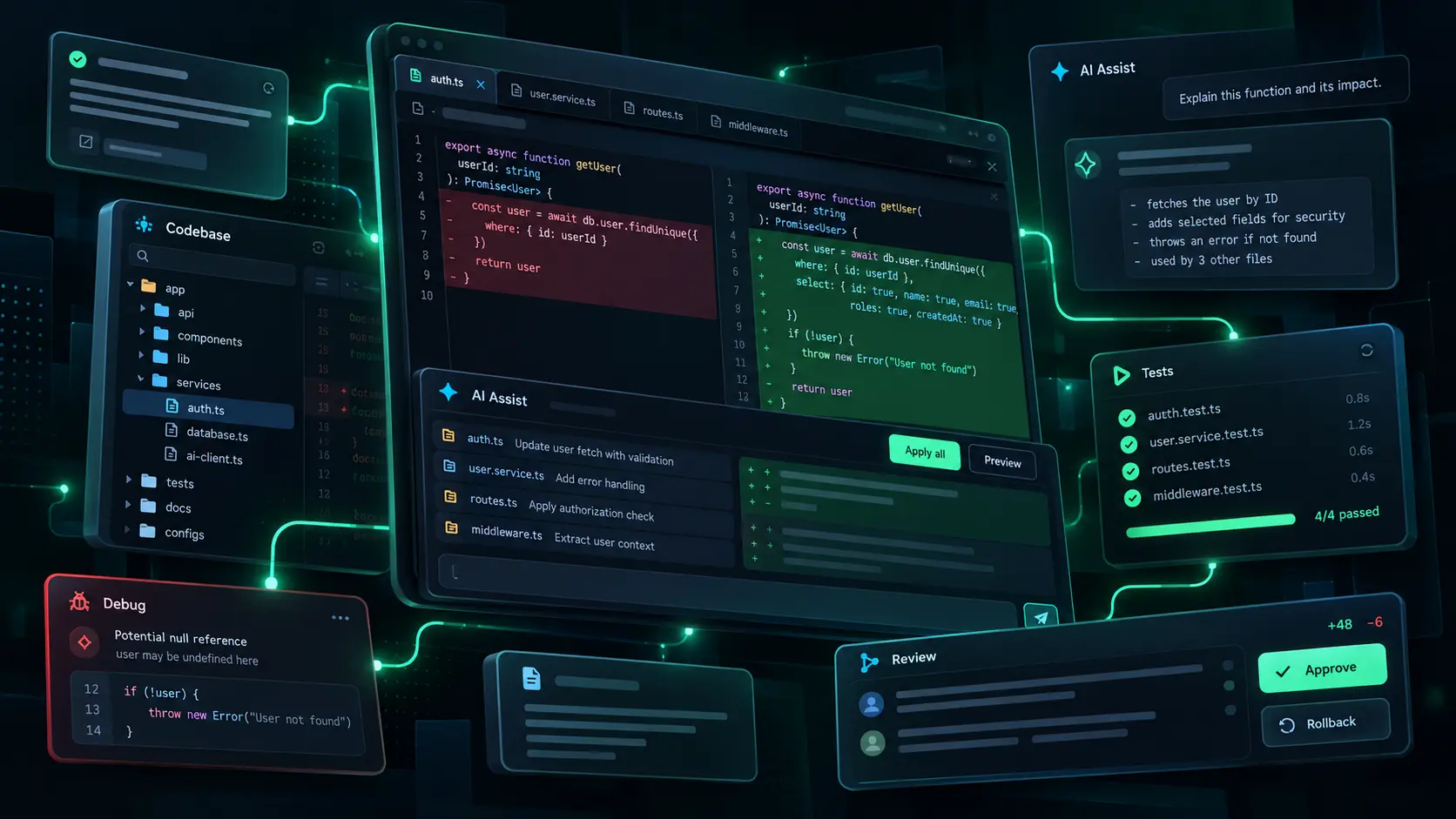
These tools use language models and automation across the software development lifecycle. They allow searching online, searching through voice, repository searching, editing mulptiple documents, generating tests, reviewing pull requests, debugging, documenting, or having an independent agent working on them.
This is a very broad classification. Inside an IDE, AI programming software can help. Automated coding software can translate a written requirement into a larger code change or prototype. They have a number of code review problems, testing & security issues, observability problems, and DevOps tool problems.
Cut back on boilerplate, redundant edits, basic tests and initial documentation
To catch developers up to speed on new modules, new modules they depend on, and unique methods of writing something
Change focus to architecture, product behaviour, performance and risk
The factors that actually separate one tool from another — expand any for detail.

The bottom line
Choose the best fit for your needs that is effective for your codebase, aligns with your security policies and allows changes to be reviewed by your staff. Before expanding to all repositories or even more agents, test it out first.
Free expert help
Still weighing your options?
Tell us what you’re trying to do and we’ll point you to the right tools — from a real advisor, not a bot.
Get a free, tailored shortlist for your team, stack and budget.
Get adviceOne reply within a business day · never shared
Editorial guidance drawn from public reviews, product data and category fit — a starting point, not a substitute for your own evaluation. How we score →