
Fathom
AI meeting assistant with unlimited free tier
SF Score
SF Score editorial score across features, ease, and value. Learn more →
CATEGORY GUIDE
Compare AI tools for AI Meeting Assistant Software, and AI Note Taking Software.
EDITOR'S PICKS
Hand-picked for category fit, not popularity
AI meeting assistant with unlimited free tier
SF Score editorial score across features, ease, and value. Learn more →

Productivity workspace with notes and AI
SF Score editorial score across features, ease, and value. Learn more →

AI meeting assistant with searchable knowledge
SF Score editorial score across features, ease, and value. Learn more →

AI meeting assistant and transcription platform
SF Score editorial score across features, ease, and value. Learn more →
Showing 1-18 of 18 tools, plus the 4 editor’s picks above

A phone photo, returned as a clean sheet.

The friendship quiz that needs two people

AI native research and notebook assistant

Bot free AI meeting note taker
AI noise cancellation and meeting platform
AI meeting assistant with engagement analytics

AI meeting assistant with clip sharing

AI meeting management platform with agendas

AI meeting assistant with team workspaces

AI meeting assistant with clip sharing

AI meeting transcription with multilingual coverage

AI meeting notes with team workspaces

Bot free AI meeting note taker

AI meeting assistant with semantic search

AI heavy personal note taking platform

AI hardware voice recorder with transcription

AI heavy personal notes with encryption
AI heavy outliner and structured notes
Buyer’s guide
AI productivity tools can assist individuals in taking notes, summarizing meetings, identifying action items, converting meetings into tasks, and more. Ultimately, the best tool depends on how your team actually works. It mostly relies on how you organize your meetings, where you keep your documents, which apps you need to connect, and how your team works and interacts with each other.

Quick answer
Software that harnesses AI capabilities to record, categorize, provide synopses, search or perform an action on meetings, notes, documents and information in the workplace.
Best for
Managers, sales teams, researchers, consultants, project teams, recruiters and distributed organizations.
Watch out for
Bad transcription, made up conclusions, rogue meeting bots, consent recording issues, disorganized notes, and duplicate tasks with integrations.
Top-rated pick
AI meeting assistant software can take notes, transcribe or process meetings, generate a summary, highlight action points and make it searchable. AI note-taking software does much more than just meetings. It helps with your personal research, paperwork, and mapping out ideas beyond time-scheduled meetings.
Try testing the products with real meetings that include quick discussion, overlapping speakers, technical jargon, and unclear decisions.
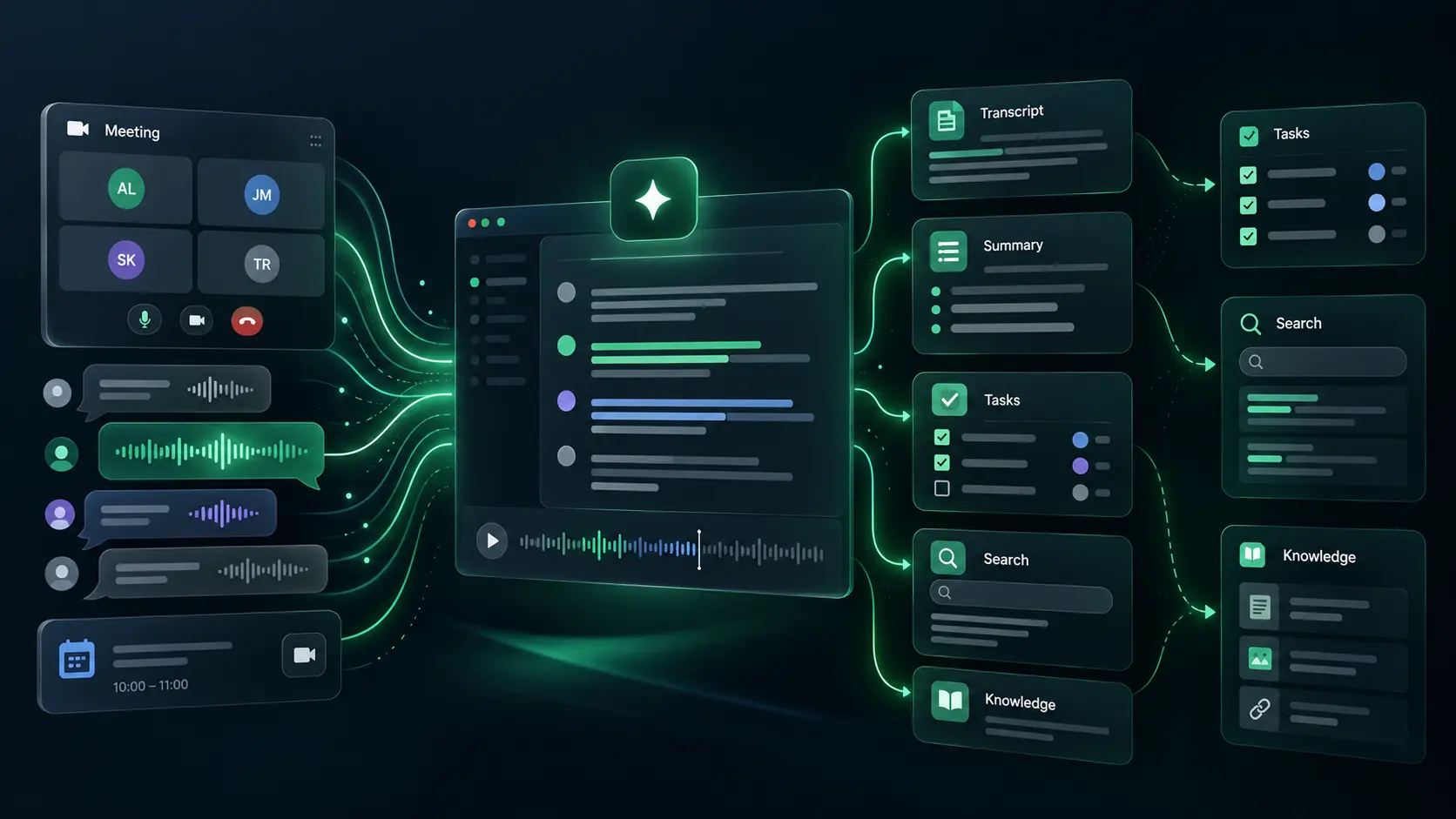
AI tools that boost productivity include meeting assistants, transcription services, note-taking apps, research workspaces, and integrated knowledge systems.
There will be a bot when you opt to attend a meeting with some AI tools. Other tools record locally or create notes automatically based on user input. Tools also differ in whether they focus on personal productivity or shared team knowledge.
Give participants time to focus on the discussion and not get bogged down in taking notes.
Make decisions right after your meeting discussions and assign tasks immediately after the call ends.
Facilitate the recovery of prior explanations, customer feedback and commitment.
The factors that actually separate one tool from another — expand any for detail.
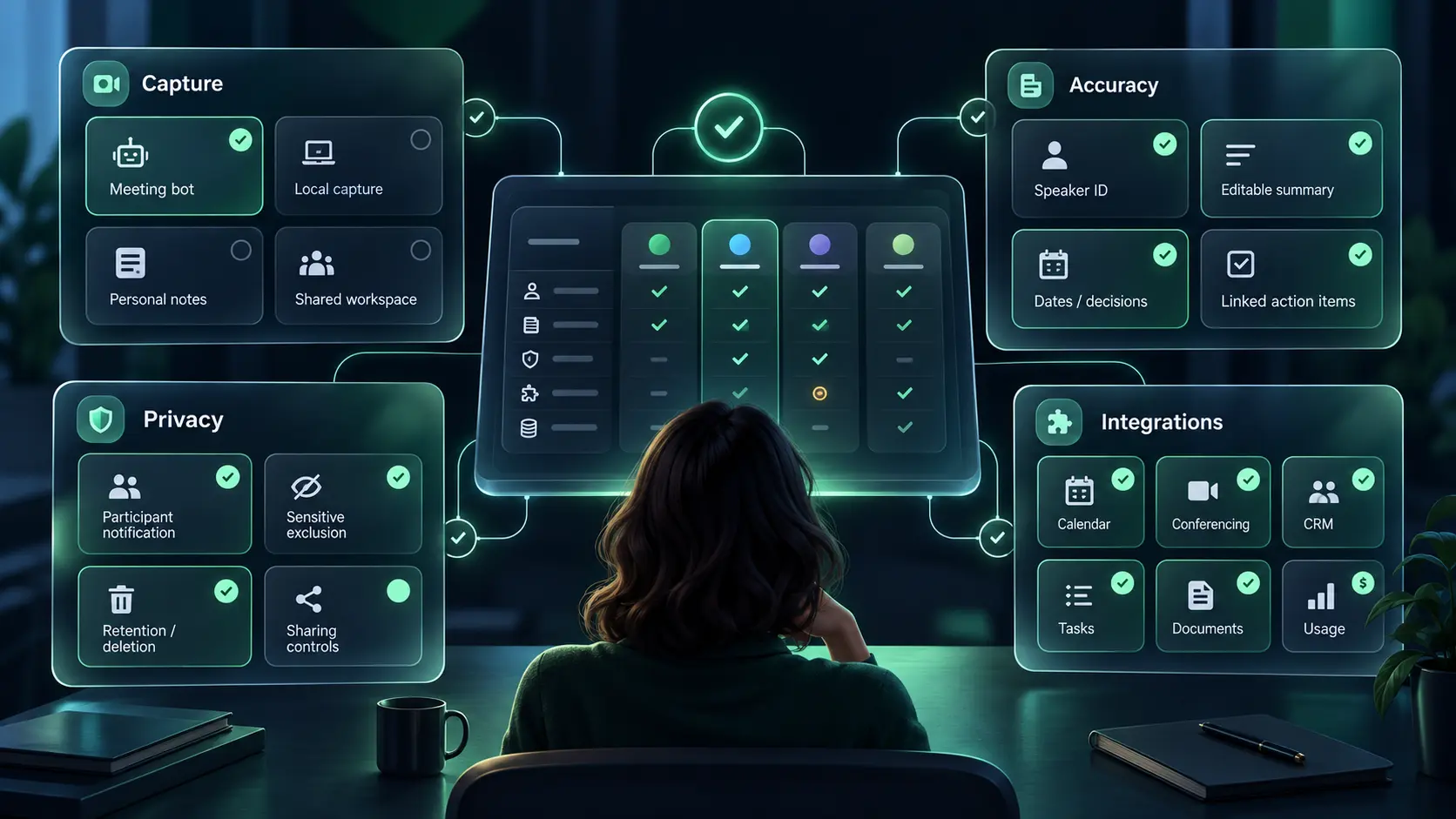
The bottom line
Choose a tool that gives you proper context without any privacy issues or leaving you with another unmanageable database. While taking the key decisions, make sure to double check the actual recording, the transcript, or simply ask the meeting owner.
Free expert help
Still weighing your options?
Tell us what you’re trying to do and we’ll point you to the right tools — from a real advisor, not a bot.
Get a free, tailored shortlist for your team, stack and budget.
Get adviceOne reply within a business day · never shared
Editorial guidance drawn from public reviews, product data and category fit — a starting point, not a substitute for your own evaluation. How we score →